Electronic flight bag
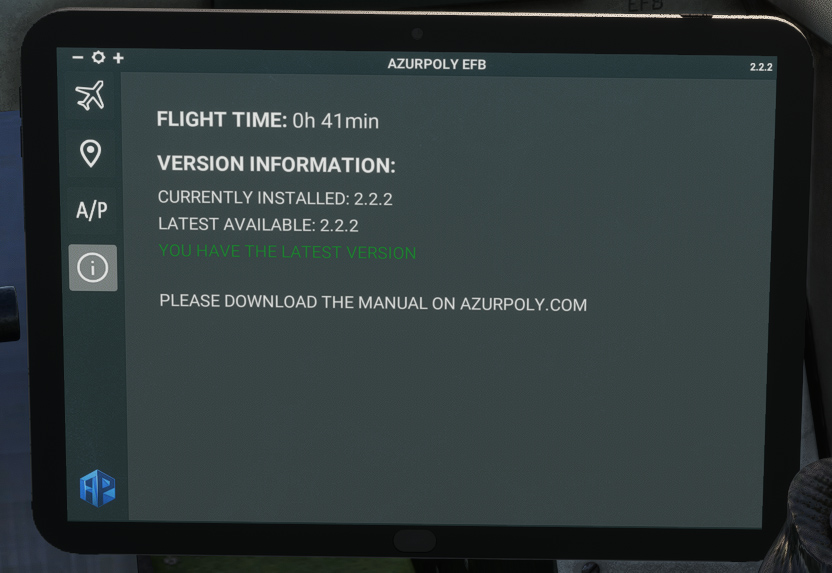
To help managing all actions related to the aircraft, an EFB has been implemented. It can be opened and closed thanks to a cockpit button.
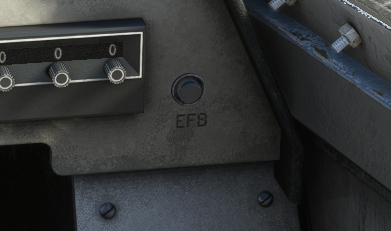
When opened, screen brightness can be set from the top bar.
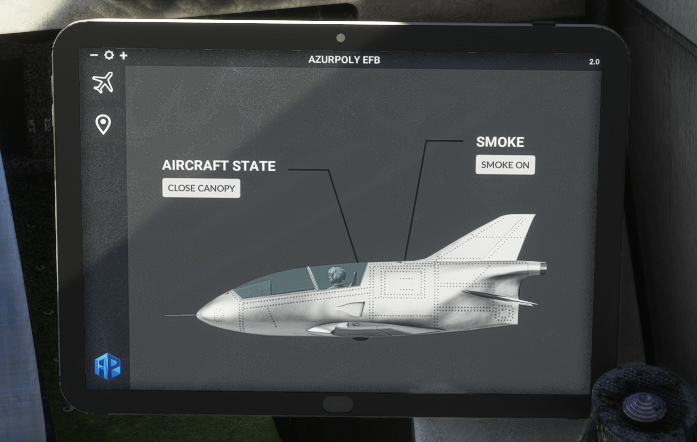
Aircraft state
This menu has two buttons, one for opening and closing aircraft canopy, the other to switch on/off white smoke.
Map
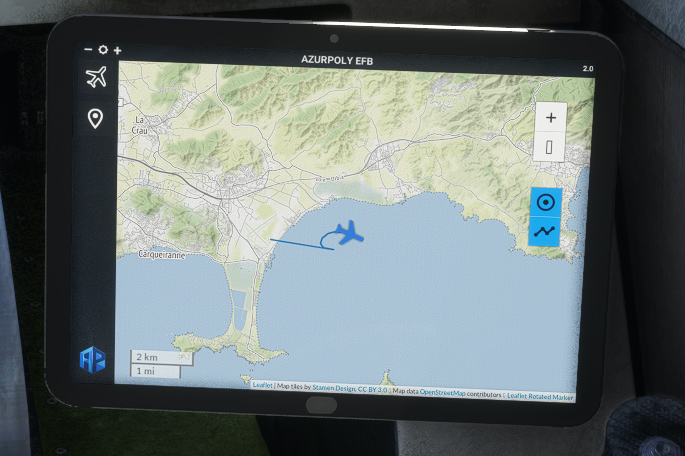
This menu consists of a map showing current aircraft position.
Different controls on the right part allow to interact with the map:
-
Zoom buttons.
-
Button to stop auto centering to aircraft position.
-
Trajectory button to show or hide aircraft path.
Autopilot
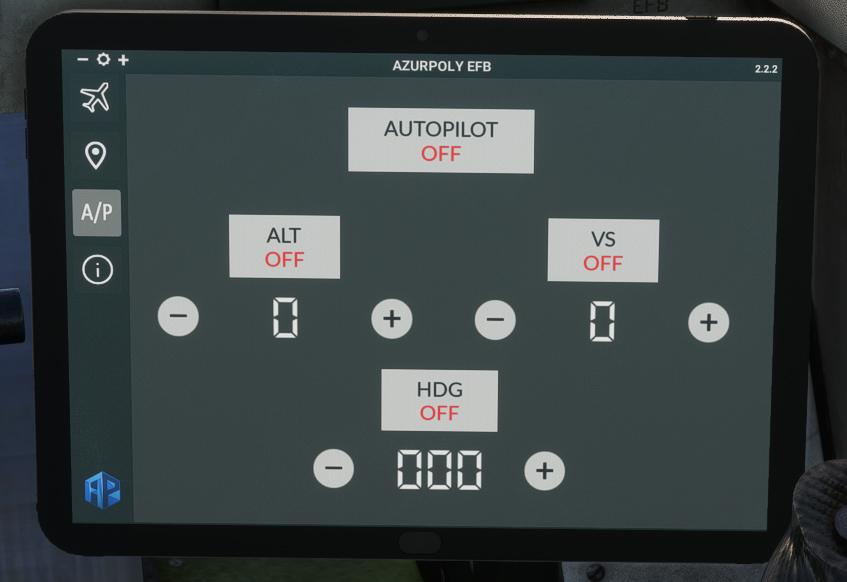
The BD-5 is not equipped with an autopilot, but you will find an autopilot menu in the EFB, allowing you to hold altitude and/or heading as you wish.
After turning autopilot on, you can select a target altitude and toggle ALT mode to climb or descend to the desired altitude.
Vertical speed can be chosen below VS button, and VS mode can be enabled instead of ALT mode to maintain a fixed vertical speed.
With HDG button, you can follow a target heading selected with “+” and “−“ buttons.
Info
This menu indicates version of the aircraft currently installed on your machine.
A message will be displayed if an update is available.
You can also see how much time you spent within the aircraft.