Electronic flight bag
To help managing all actions related to the aircraft, an EFB has been implemented. It can be opened and closed thanks to a cockpit button.
When opened, screen brightness can be set from the top bar.
EFB can be closed with a click on its left border. It can be moved on the seat with a click on its right border.
Aircraft menu
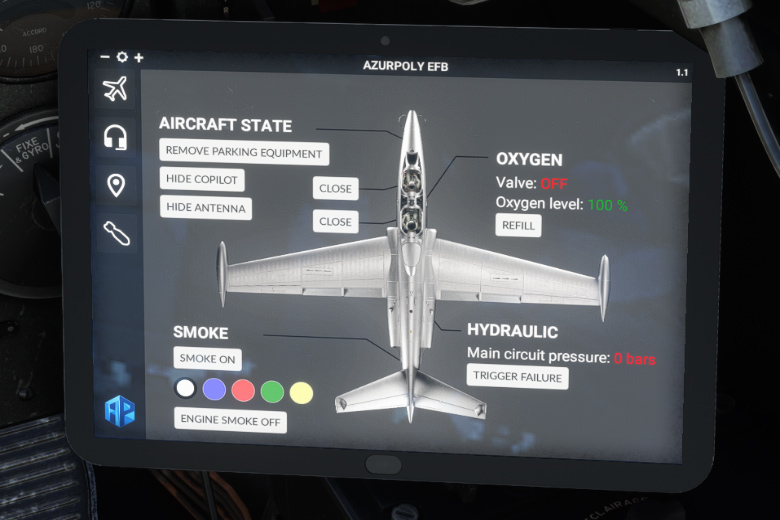
Aircraft state
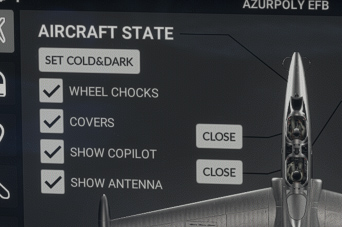
You can put here the aircraft in “cold and dark” mode. Engines will be stopped, systems will be off and ground protections will be put in the aircraft exterior.
Copilot and front antennas can be hidden.
You can also open and close pilot and copilot canopy from here.
Hydraulics
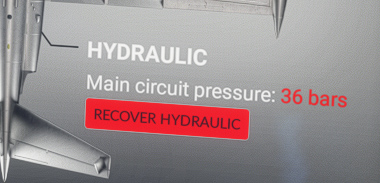
This menu allows to trigger hydraulic failure (main circuit), as this type of failure is not natively supported by MSFS.
You will see main hydraulic pressure drops, which will let you practice emergency procedures in case of hydraulic failure, to maneuver landing gear and spoilers.
Smoke system
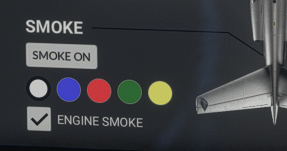
Here, you can turn the smoke system on (which can also be done with the switch on the main panel), and choose between five different colours.
Black smoke coming from the engine at high power can be disabled.
Oxygen
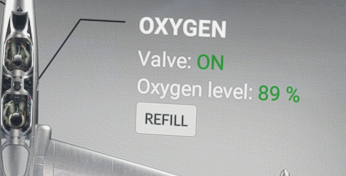
This menu shows oxygen valve state, in addition to the remaining quantity.
You can refill the circuit as needed.
Radio menu
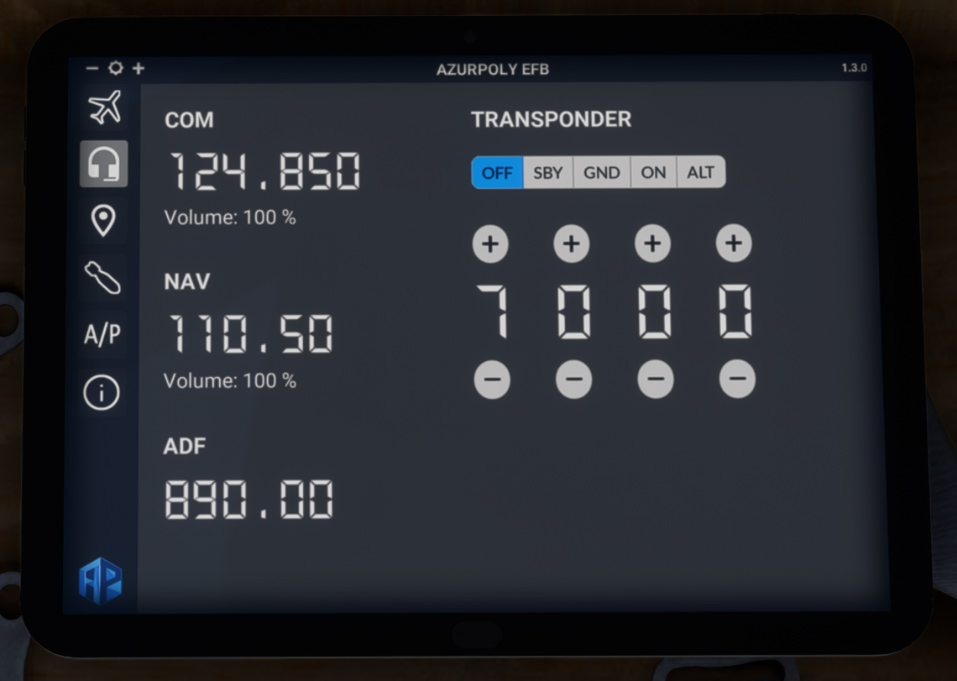
If tooltips are disabled in your parameters, you may not see COM and ADF frequencies when setting them from the knobs. This menu shows all active frequencies, with current volume for COM and NAV.
As there is no transponder unit in the cockpit, you can also use this menu to set transponder state and code.
Map menu
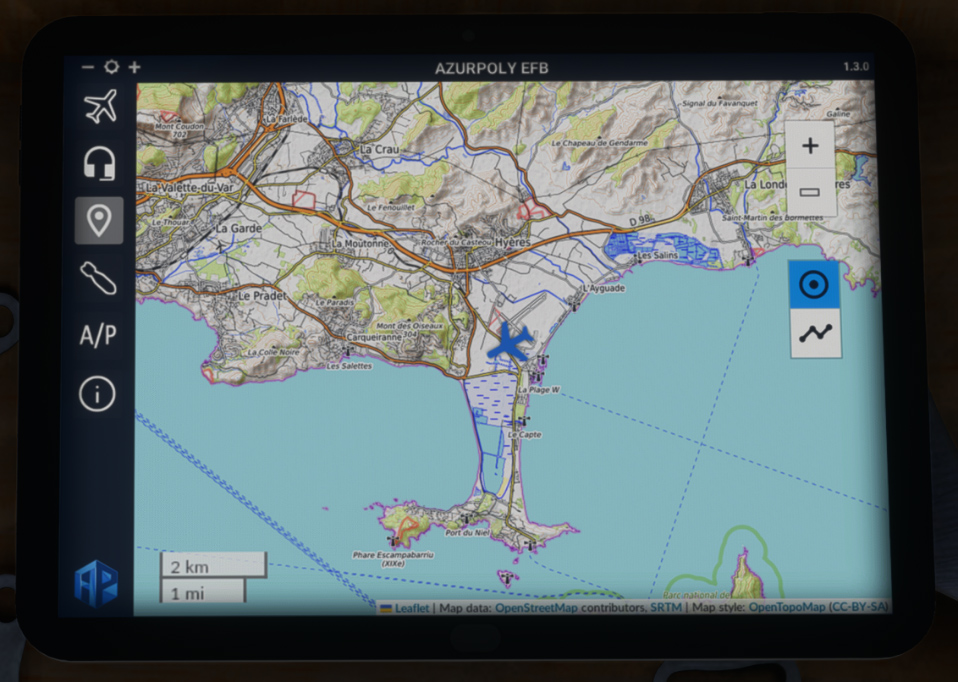
This menu consists of a map showing current aircraft position.
Different controls on the right part allow to interact with the map:
-
Zoom buttons.
-
Button to stop auto centering to aircraft position.
-
Trajectory button to show or hide aircraft path.
Weapons menu
From version 1.1, you can display various weapons on the aircraft from this EFB menu. Those weapons are static and cannot be jettisoned.
You will get the following view with several buttons to display or hide the weapons:
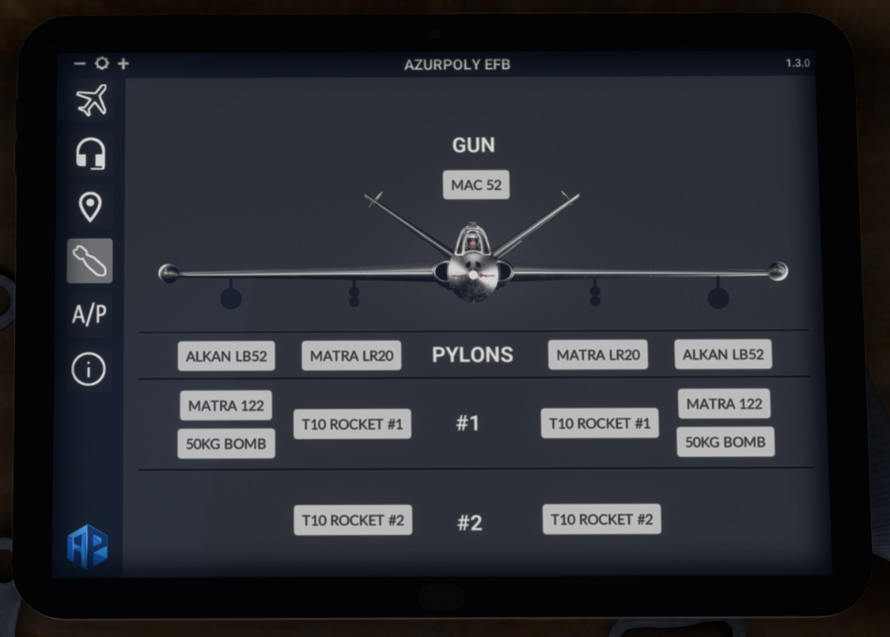
The Fouga was equipped with the following armament:
| Ammunition | Caliber | Type | Quantity | Launch equipment | Hard points |
|---|---|---|---|---|---|
| Machine guns | 7.5 mm | 2 x 150 | 2 MAC 52 | ||
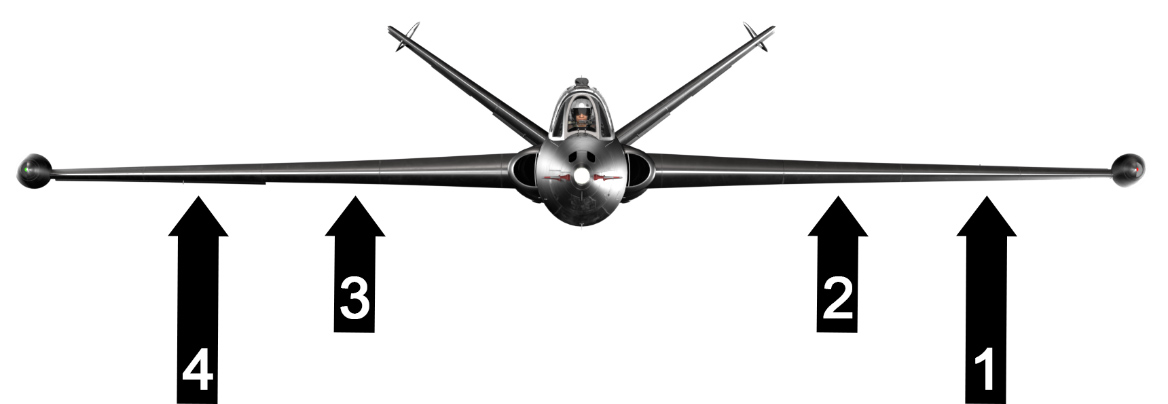
| Rockets | 68 mm | SNEB | 2 x 6 | ALKAN LB 52 & MATRA LR 122 | 1 & 4 |
| 120 mm | T 10 | 2 x 2 | MATRA LR 20 | 2 & 3 | |
| Bombs | 50 kg | EG 61 C | 2 x 1 | ALKAN LB 52 | 1 & 4 |
| 50 kg | F 1 | 2 x 1 | ALKAN LB 52 | 1 & 4 |
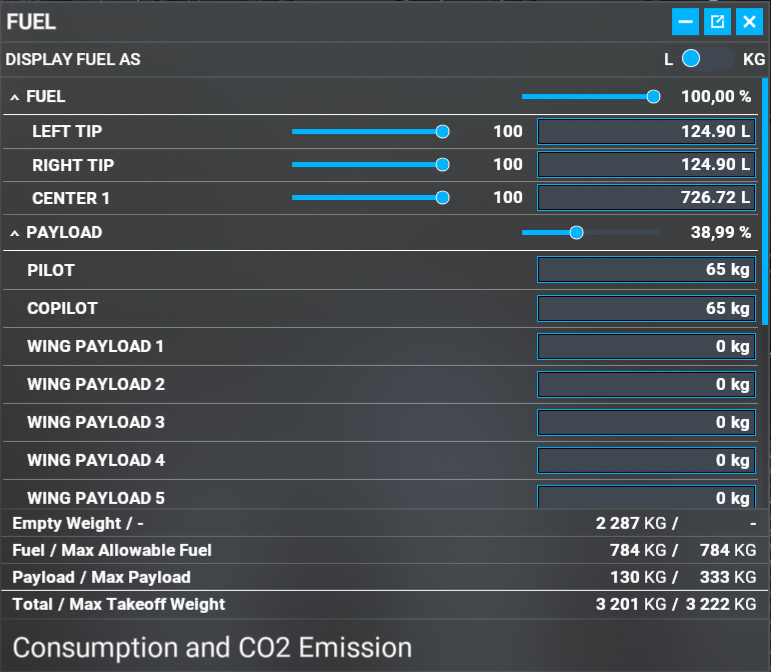
As you add armament, payload impact will be computed automatically. Hence, you should not manually change weights in payload menu, especially “wing payload” lines.
Autopilot menu
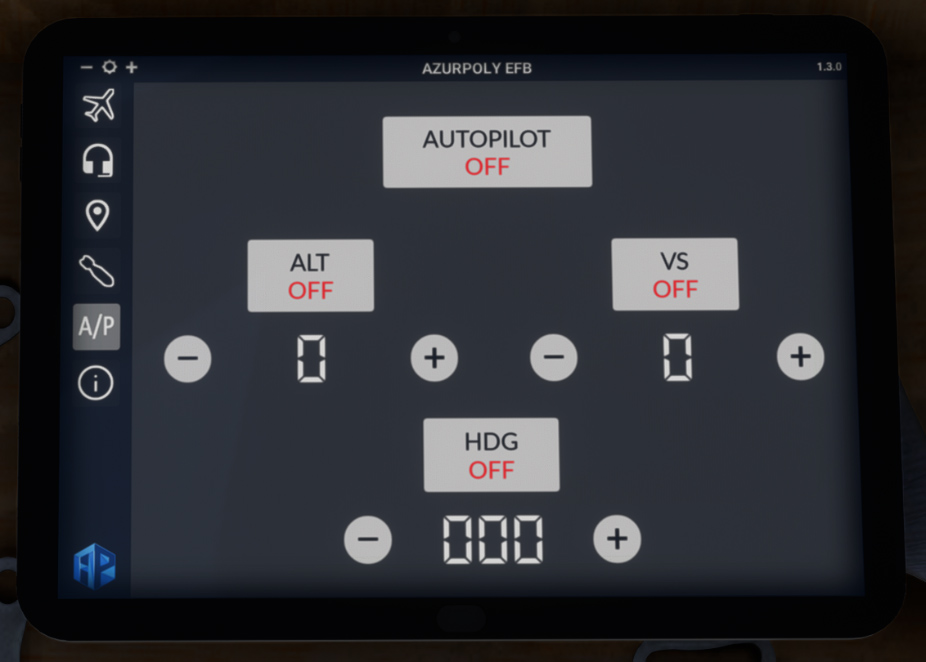
The Fouga is not equipped with an autopilot. However, you will find an autopilot menu in the EFB, allowing you to hold altitude and/or heading as you wish.
When turning ALT or HDG mode on, current altitude/heading will be maintained, and you can change values using “+” and “−“ buttons.
Vertical speed selected for any altitude change can be chosen from the right.
Version menu
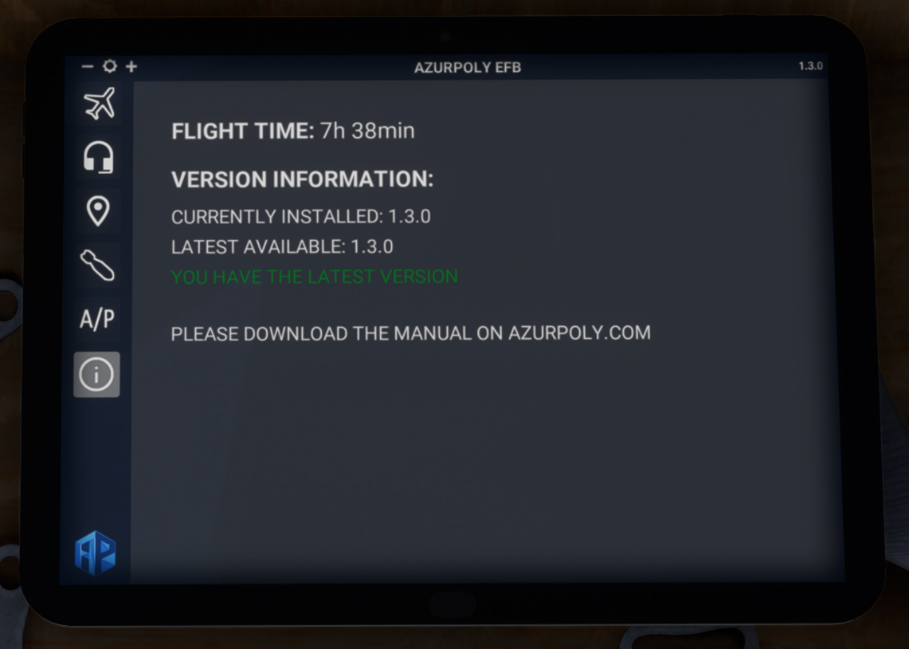
This menu indicates version of the aircraft currently installed on your machine.
A message will be displayed if an update is available.
You can also see how much time you spent within the aircraft.