MSFS 2024 specific
You will find in the section everything specific to the Transall for MSFS 2024 (native add-on).
Preflight actions
In Flight Simulator 2024, the flight will start on the apron at the exterior of the aircraft.
Before entering the aircraft, you need to click on ground equipment, to remove it before flight:
-
Chocks.
-
Engine intake covers.
-
Pitot and static covers.
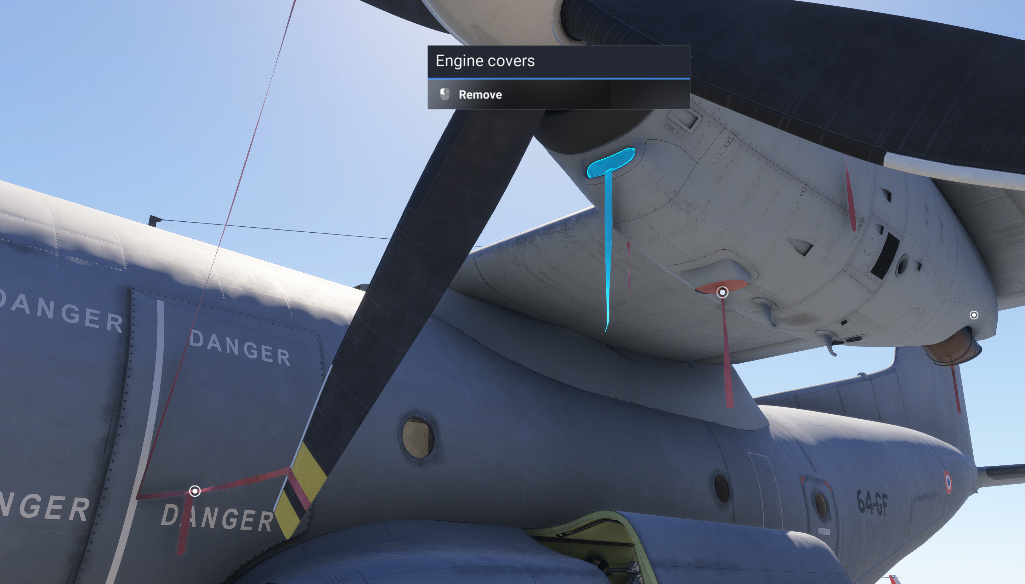
By walking around the aircraft, you can inspect various parts (struts, rudder, elevator, etc) and check their condition before flying. Each part to inspect or remove is indicated by a circled dot.
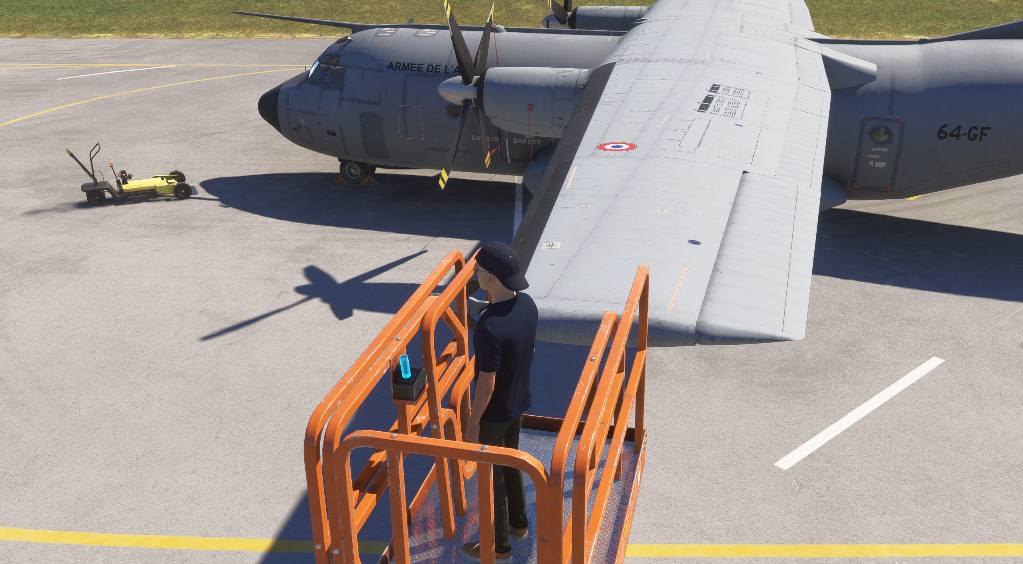
In order to climb on top of the aircraft for further inspection, you can display a scissor lift from the EFB. Once you climbed in it, you can use the small lever to make the lift rise.
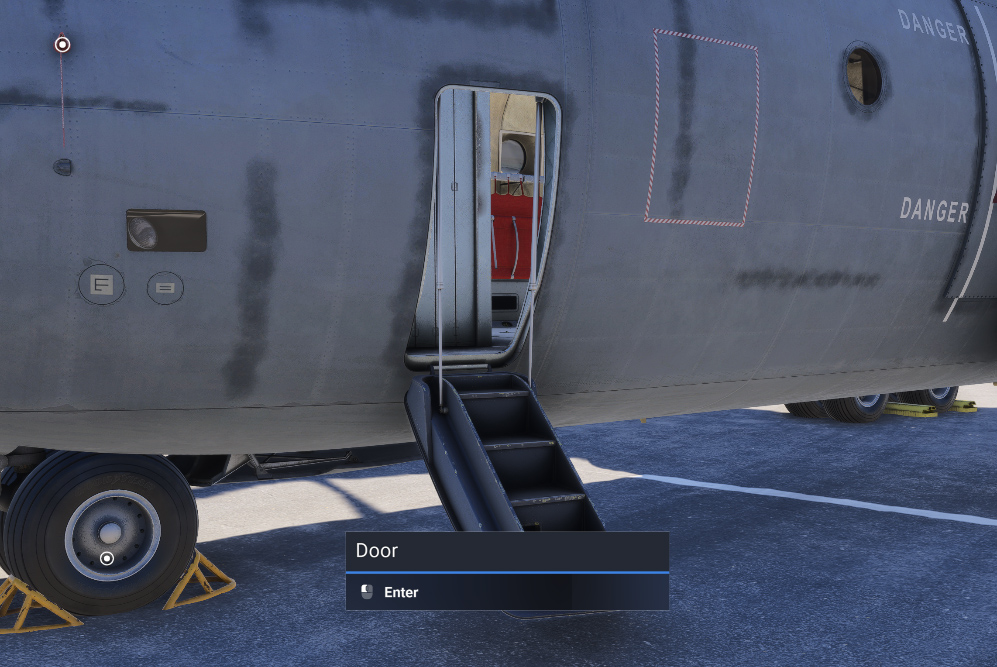
Click on left door to enter the aircraft. You can also use a keyboard shortcut (default Maj + C) to go directly inside the cockpit.
From the EFB (first tab), you can click on QUICK PREFLIGHT to do all the preflight automatically. The engine will not start with intake covers on.
SimBrief integration
To import a SimBrief flight plan, you need it to be the latest one generated on your account.
You can use the C160 profile to get the correct flight performance.
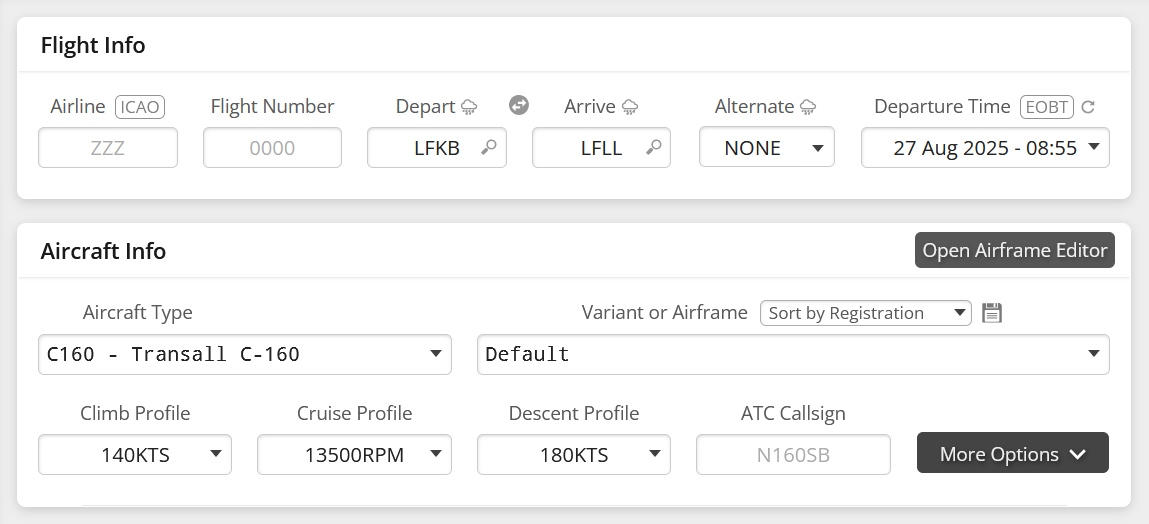
Once flight plan is generated, you need to go to DATA (DTA) page on the FMS. This page is accessed from INIT1 page using TLV keys.
On this page, you have to enter your Navigraph username linked to your account (type and click on ENT button).
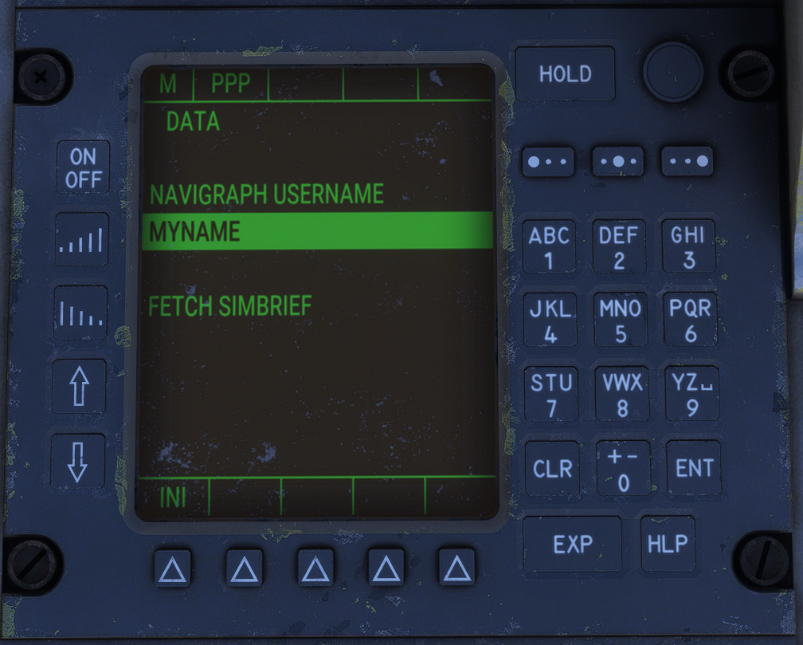
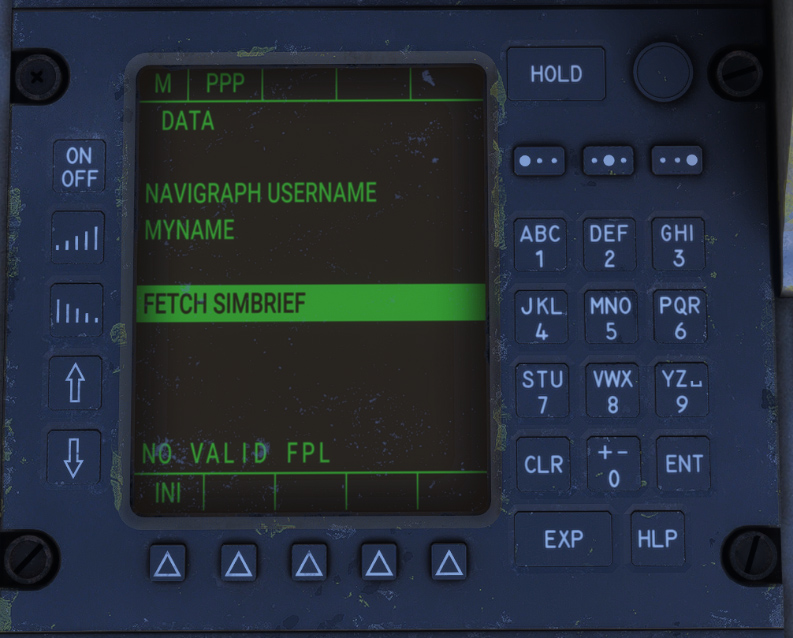
Then, clicking ENT with cursor on “FETCH SIMBRIEF” will fetch your latest flight plan from SimBrief.
A message will be displayed if flight plan is invalid.
Once flight plan is retrieved, origin and destination are displayed.
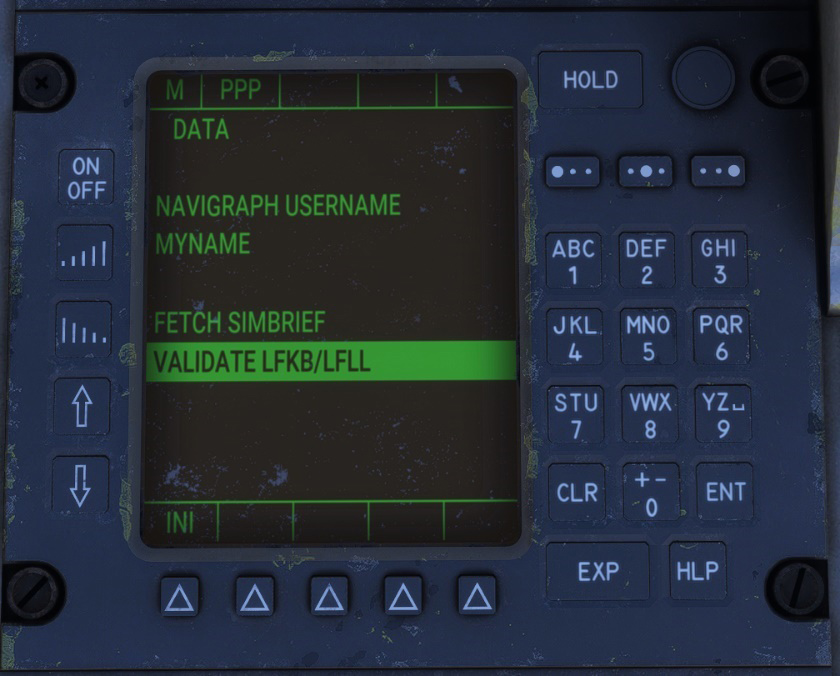
After clicking ENT on “VALIDATE” line, flight plan is automatically imported into the FMS.
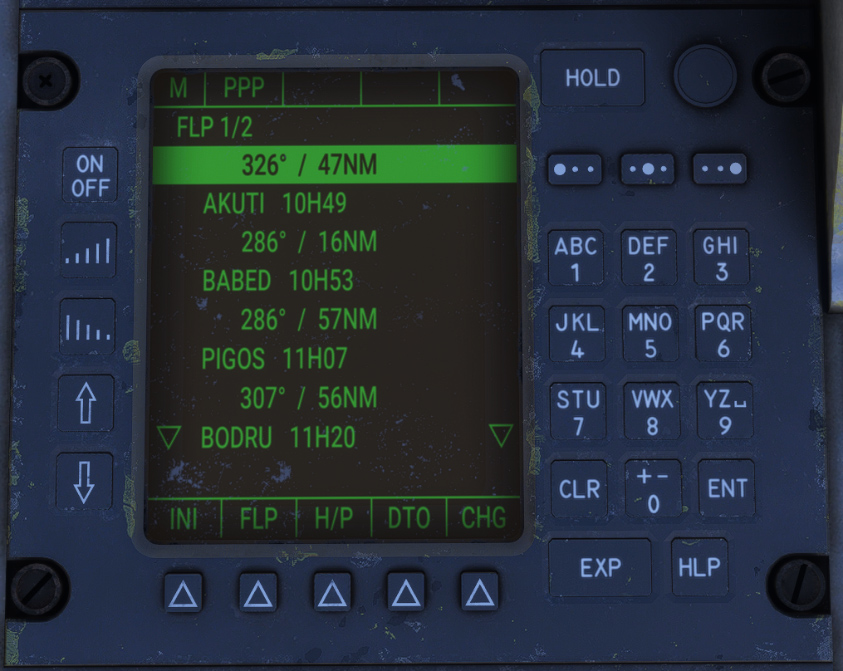
Departure and arrival procedures (SID/STAR) are not imported and need to be selected manually.
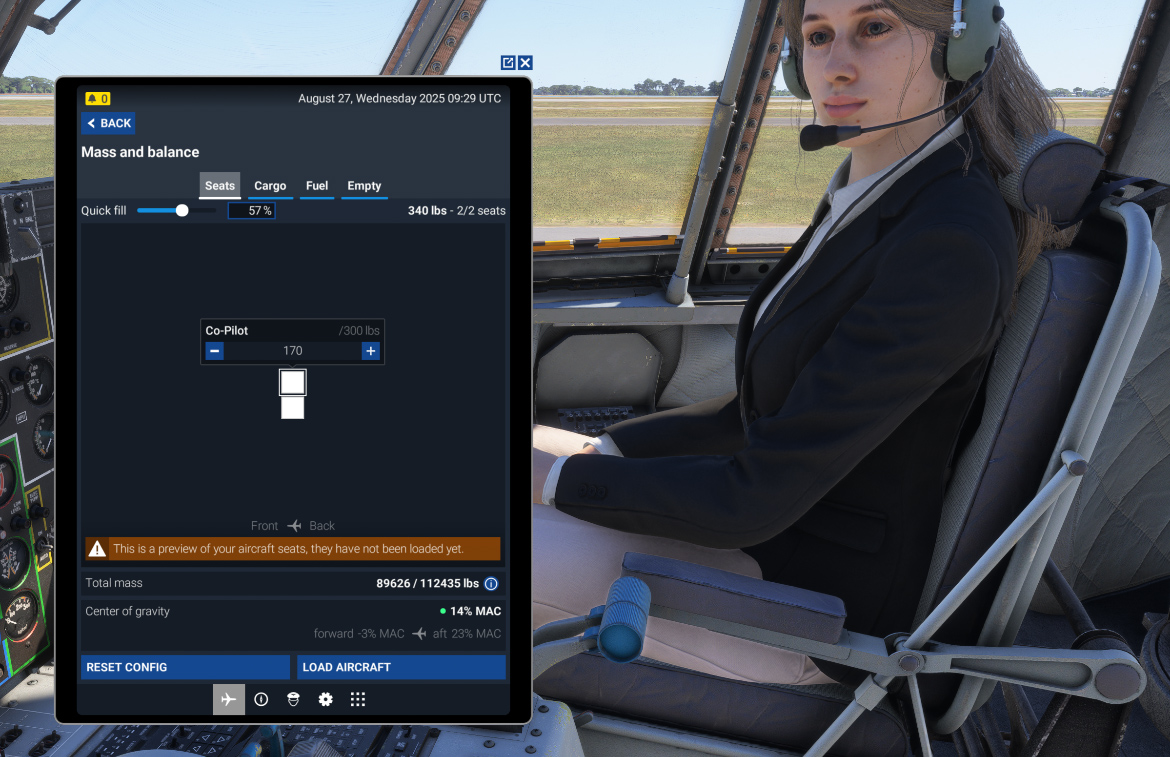
Copilot display
In MSFS 2024, the copilot can only be managed from the simulator tablet.
In order to display (or not) the copilot, you need to assign a weight to its seat, and click on “LOAD AIRCRAFT”.