Procedures
Reference speeds
The values below are indicative. Takeoff, approach and low-speed handling figures assume a normally loaded aircraft operating at low altitude. Actual speeds vary with aircraft mass, external stores, wind, airfield elevation and temperature.
| Takeoff speed (clean configuration) | 130 kts |
| Takeoff speed (heavy configuration) | 155 kts |
| Approach speed | 120-140 kts |
| Stall speed * | 100 kts |
| Maximum speed | Mach 1.8 |
*The FCS protects the aircraft by limiting angle of attack, hence the indicated stall speed figure should not be treated as a fixed value but more as a reference. At that speed, the aircraft becomes barely controllable.
Preflight inspection
A complete preflight inspection has been implemented within the capabilities provided by Microsoft Flight Simulator 2024.
It includes several interactive elements that can be checked or operated while preparing the aircraft for flight:
- Pitot tube and probe covers.
- Engine intake covers.
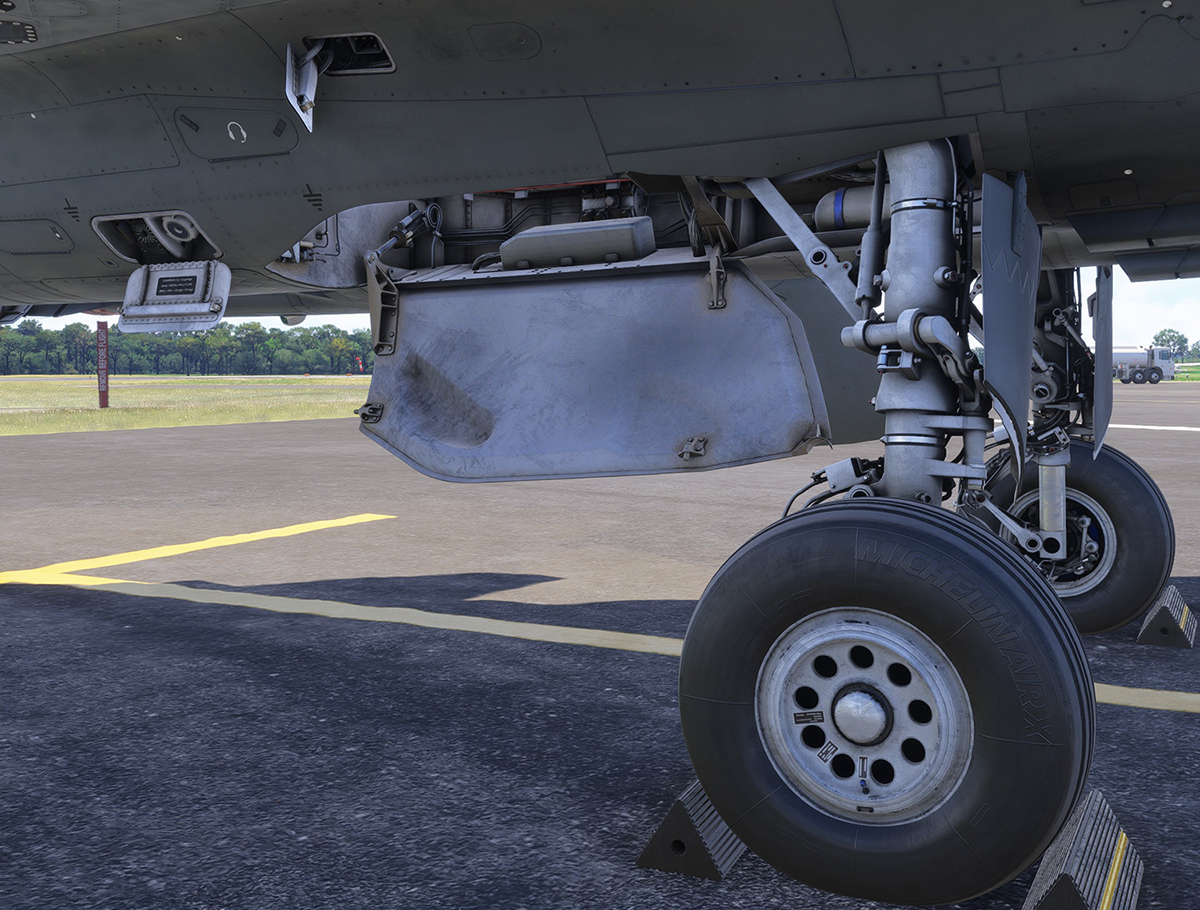
- Wheel chocks.
- Flight control surface checks.
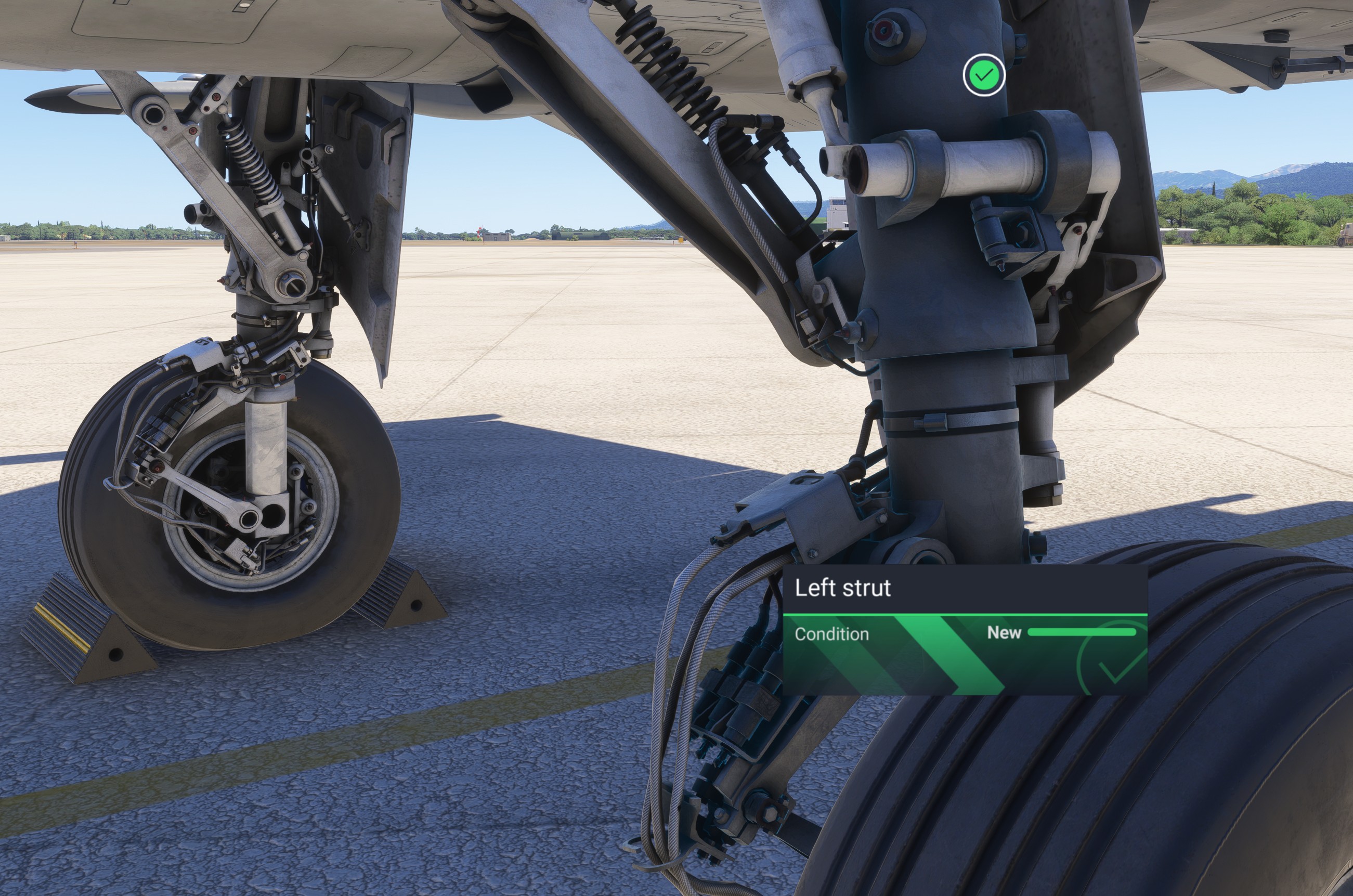
- Landing gear strut checks.
- Functional pilot ladder.
- Ground crew mechanic inspection.
- Ground power unit interaction.
Walkaround inspection
During the walkaround inspection, you can check the items listed above and manually remove the aircraft protections.
When preflight pins are enabled in the general settings, interaction markers are displayed around the aircraft.
Preflight checks are optional, and you can enter the cockpit directly without completing the walkaround inspection.
Ladder
You can climb the ladder by clicking on it while standing nearby. Once you have reached the cockpit, click the canopy to enter.
The ladder can also be used to climb onto the aircraft.
You must stand close to the ladder before the character can begin climbing towards the cockpit. Once the ladder is clicked, the climbing animation starts and the ladder moves to its upper position.
If you leave the aircraft by another method, click the ladder again to trigger the descent sequence before attempting to climb back up.
Interaction detection zones prevent objects from being triggered from too far away. In some cases, you may need to move very close to an item before it can be clicked.
Mechanic
A ground crew mechanic has been modelled to improve immersion during aircraft preparation. The mechanic can perform the external inspection for you.
The mechanic can be displayed from the EFB, and the inspection sequence can be started from the same page. Once the inspection is complete, the mechanic returns to the initial position and salutes the pilot.
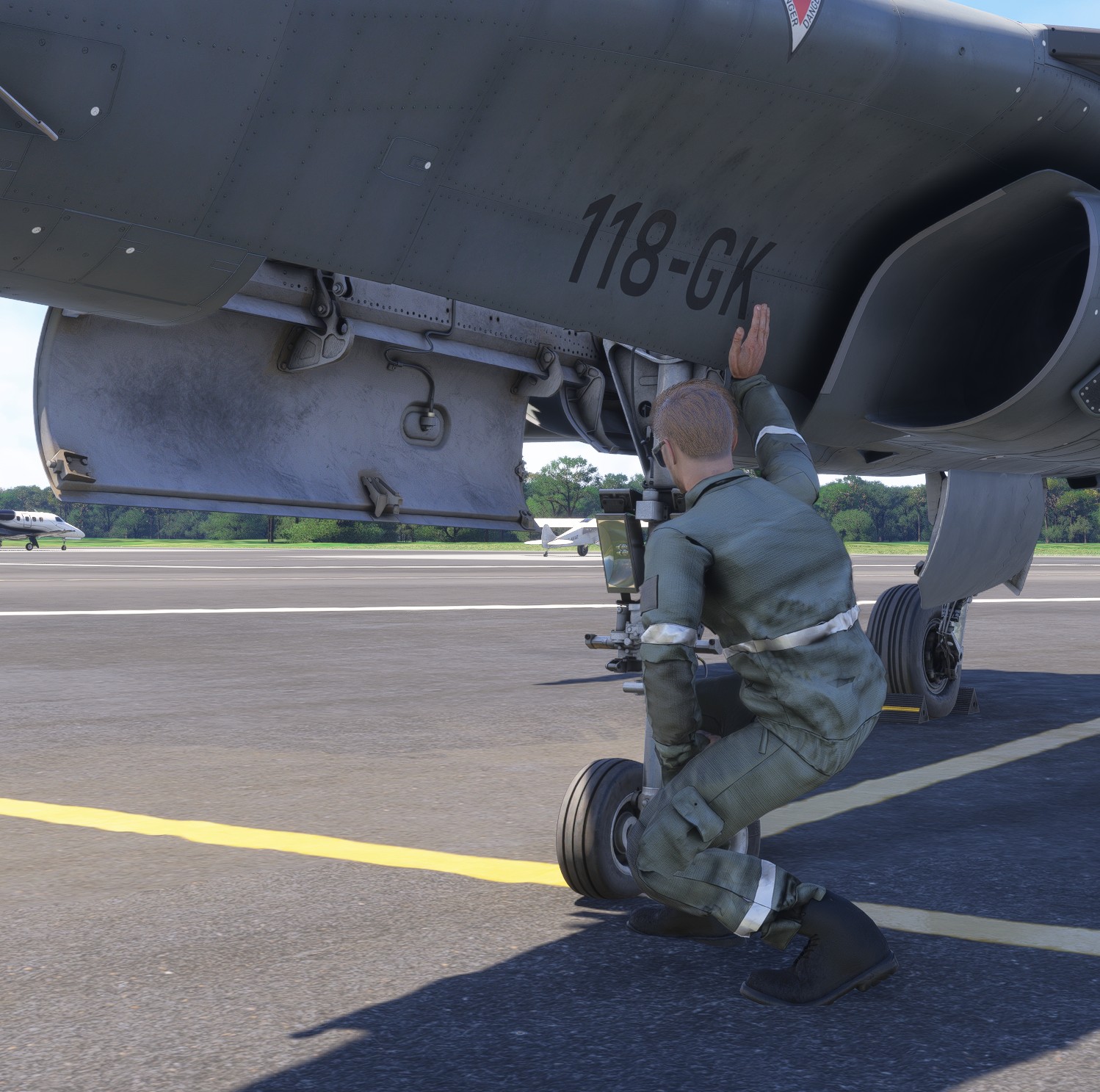
The mechanic does not remove the wheel chocks. They must be removed manually or from the EFB before departure.
Once the mechanic inspection sequence has started, it cannot be stopped or rewound. To interrupt it, hide the mechanic using the dedicated EFB button. If you show him again, he will restart from his initial position.
Hatches and gear compartments
Several service hatches have been modelled around the aircraft. Click a hatch to open or close it.
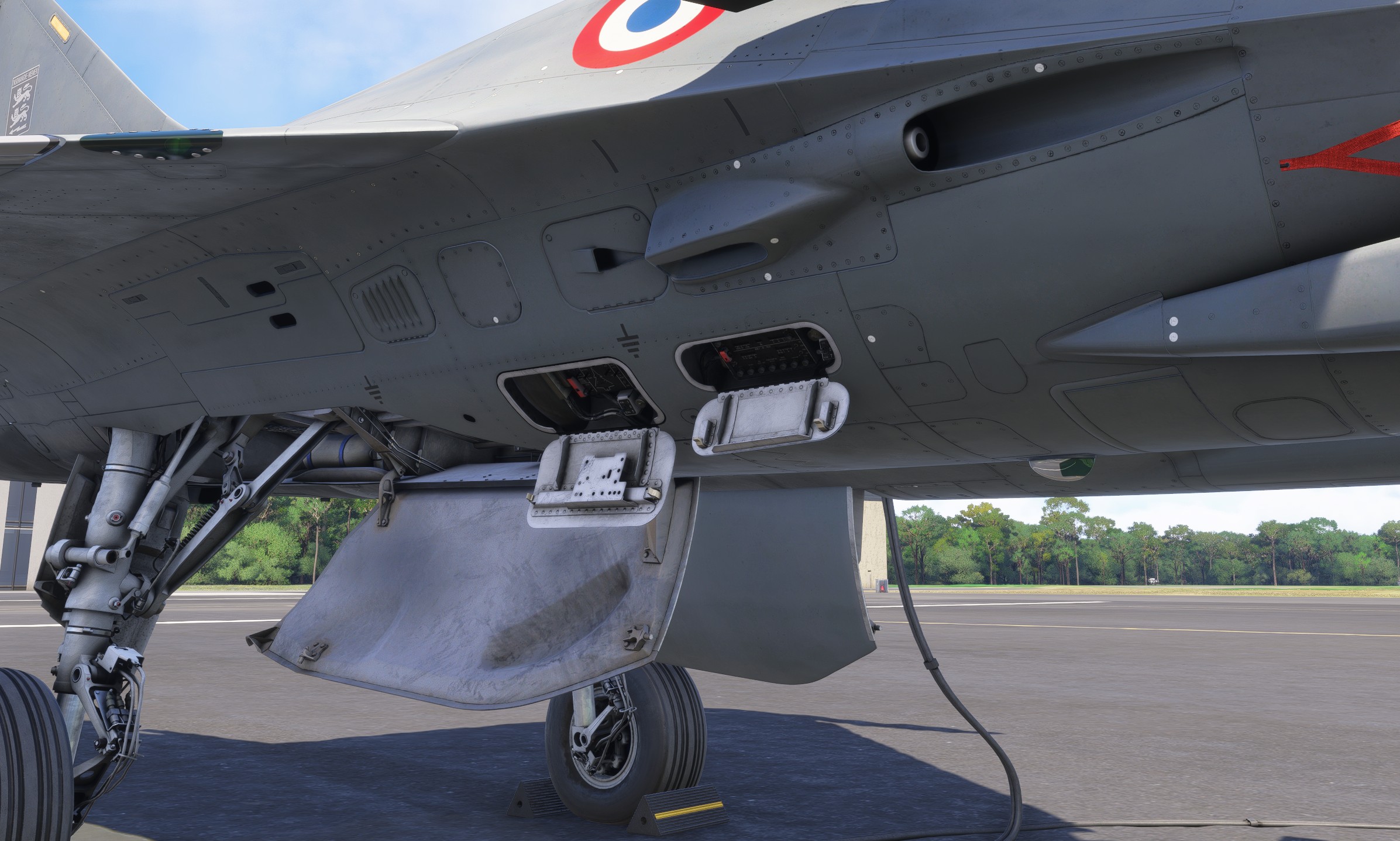
The landing gear doors can also be opened from the EFB, allowing the landing gear bays and their internal details to be inspected.
GPU interaction
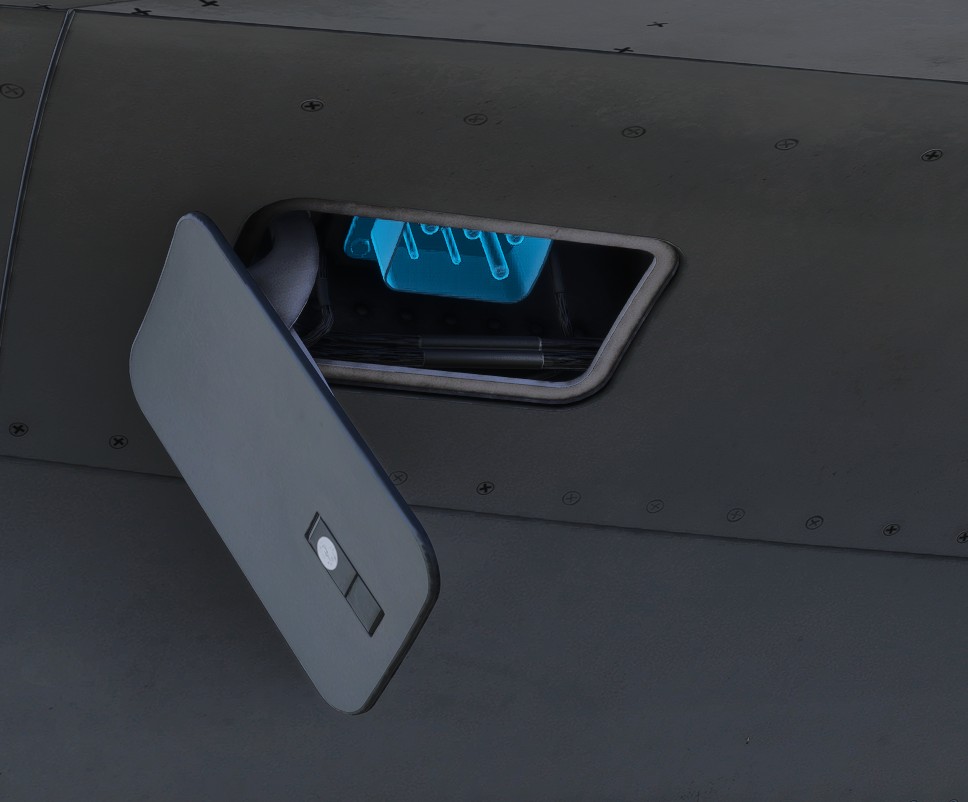
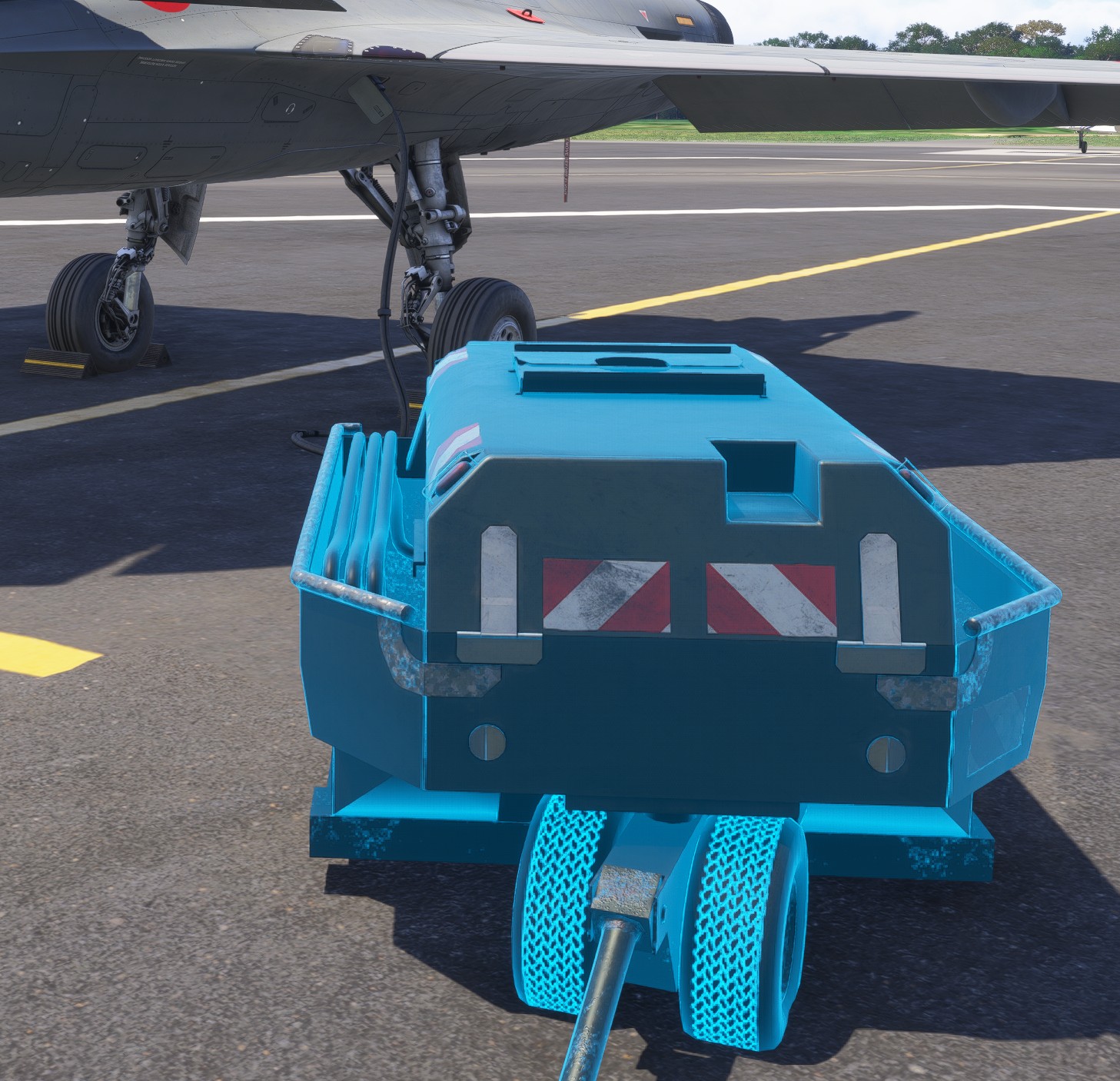
The GPU can be connected or disconnected manually, in addition to being controlled from the EFB.
To connect it, open the GPU service hatch and click the electrical socket. The GPU appears and is automatically connected to the aircraft.
To disconnect it, click directly on the GPU.
Checklists
The following checklists reproduce the procedures available in the simulator. Interactive in-game checklists also provide dynamic validation and camera guidance for each item.
Preflight inspection
| Item | Required state |
|---|---|
| Covers | REMOVED |
| Ladder | REMOVED |
Before starting engine
| Item | Required state |
|---|---|
| 5K knob | STANDBY |
| FAIL page | DISPLAYED |
| Fire test switch | RIGHT ENG/APU |
| Canopy | CLOSED |
| APU | STARTED |
| ECS | ON (IF NEEDED) |
| 5K knob | NORM |
| NAV page | DISPLAYED |
| IRS alignment | LAUNCHED |
| Fire test switch | LEFT ENG |
| FAIL page | DISPLAYED |
| ENG page | DISPLAYED |
| Strobes | BRT |
| Navigation lights | BRT |
| Formation lights | BRT |
Starting engine
| Item | Required state |
|---|---|
| Throttle | IDLE |
| Auxiliary levers | IDLE |
| 5K knob | RIGHT |
| 5K knob | LEFT |
| N1 | WAIT FOR 41% |
| Auxiliary levers | NORM |
| APU | OFF |
Taxi
It is normal for the aircraft to begin moving on its own with the throttle at idle, due to residual engine thrust.
| Item | Required state |
|---|---|
| IRS alignment | FINISHED |
| Flight control system | TESTED (SHORT) |
| Chocks | REMOVED |
| Parking brake | OFF |
| Taxi light | ON |
Before takeoff
| Item | Required state |
|---|---|
| Deice | ON |
| IFF | NORM |
| Gen safety | HOT |
| Landing light | ON |
Normal takeoff
Hold the wheel brakes and advance the throttle to full dry power. Once the engines are stabilized, release the brakes and select full afterburner for the takeoff roll.
| Item | Required state |
|---|---|
| Brakes | PUSHED |
| Throttle | FULL DRY |
| Brakes | RELEASED |
| Throttle | FULL AFTERBURNER |
Climb
| Item | Required state |
|---|---|
| Landing gear | UP |
Before landing
For a normally loaded aircraft, fly the final approach between 120 and 130 kts. Adjust the flight path and thrust to reach the ideal 16° angle of attack at touchdown, using the approach brackets displayed on the HUD as a reference.
| Item | Required state |
|---|---|
| Landing gear | DOWN |
| Landing light | ON |
After landing
| Item | Required state |
|---|---|
| Taxi light | ON |
Parking
| Item | Required state |
|---|---|
| Parking brake | ON |
| Taxi light | OFF |
| Landing light | OFF |
| Throttle | IDLE |
| Auxiliary levers | STOP |
| Strobes | OFF |
| Navigation lights | OFF |
| Formation lights | OFF |
| 5K knob | OFF |
Securing
| Item | Required state |
|---|---|
| Chocks | SET |
| Canopy | OPEN |
| Covers | SET |
| Ladder | SET |