Lighting
Exterior lights
Taxi and landing lights
The taxi and landing lights are mounted on the nose landing gear. The Rafale C uses two separate light units.
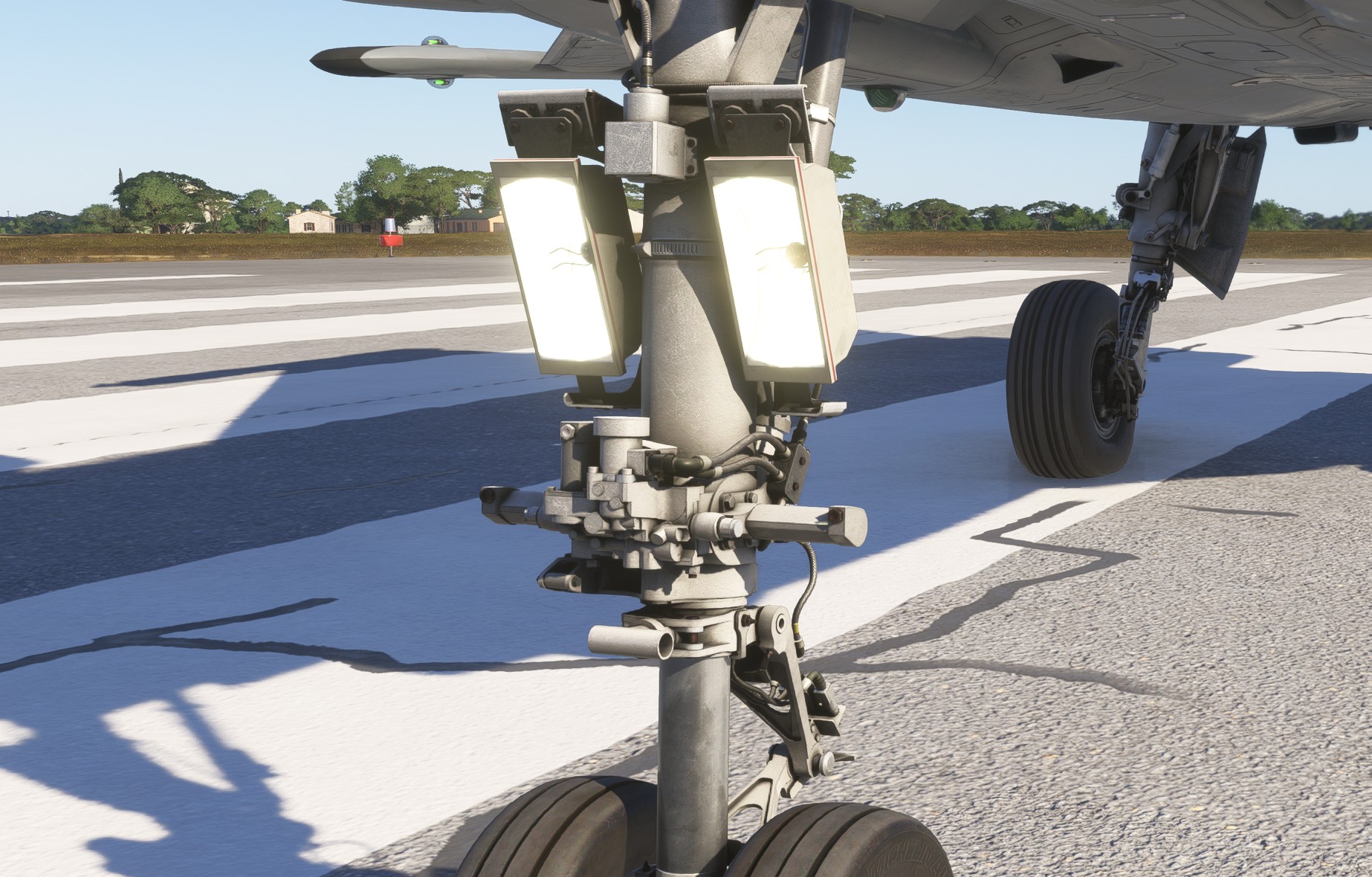
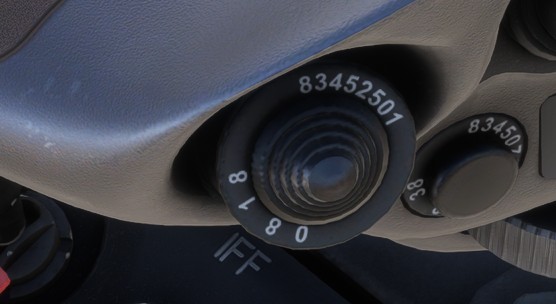
Those two lights can be controlled independently using the MGP10 switch:
UP: landing light on.DOWN: taxi light on.LEFT: both lights off.
They turn off automatically when the landing gear is retracted.
Navigation lights
Red and green navigation lights are located on the upper and lower surfaces of each wingtip, as well as on the wing-root leading edges.
White navigation light is located at the top of the vertical tail.
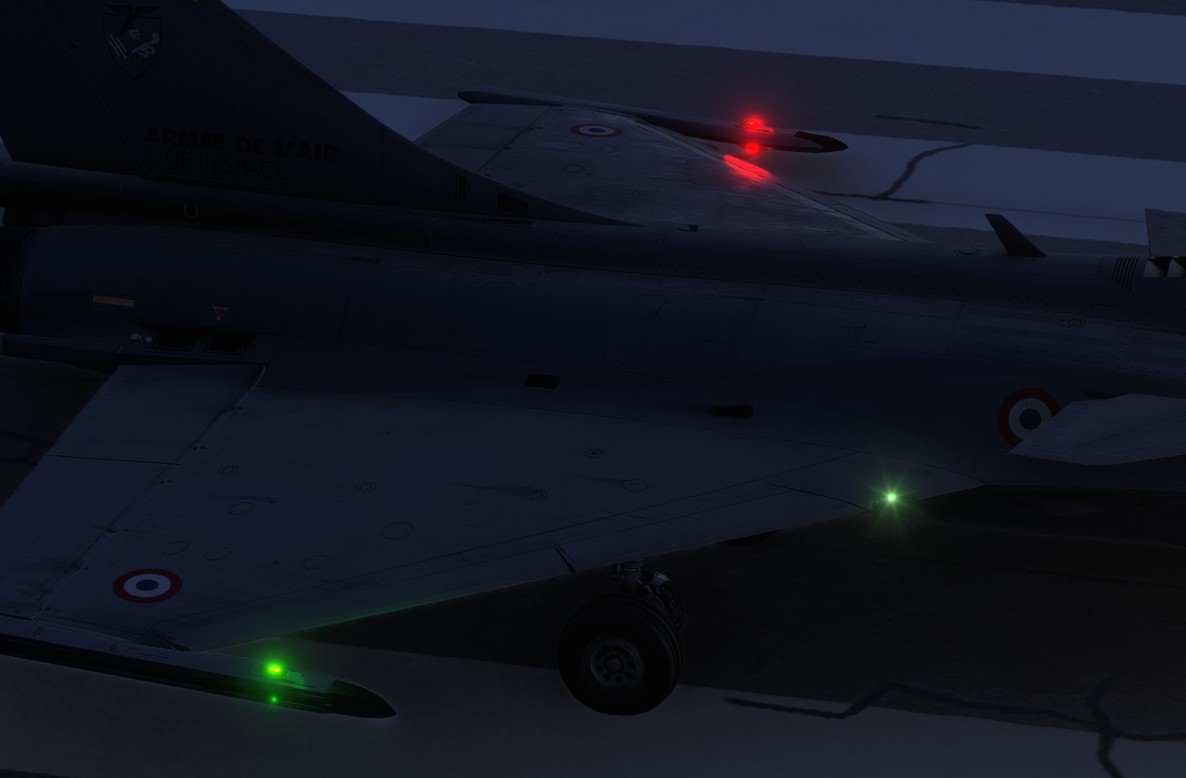
Two brightness levels are available: dimmed DIM and high HIGH.
They are selected using the Navigation Lights Switch on the left console.
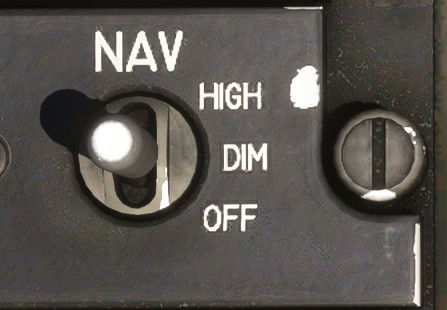
Strobe lights
The strobe lights consist of one dorsal (flashing) light and one forward ventral light on the right-hand side.
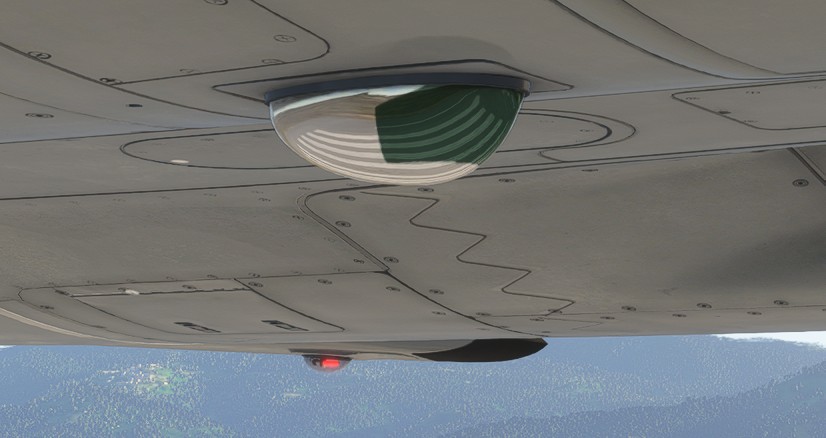
They are controlled using the Strobe Lights Switch on the left console.
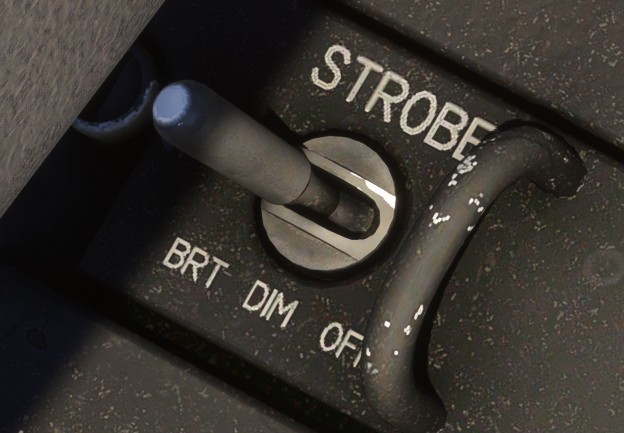
Formation lights
The formation lights consist of three pairs of light strips located on both sides of the aircraft:
- Below the cockpit.
- Ahead of the countermeasure dispensers.
- On the vertical fin.
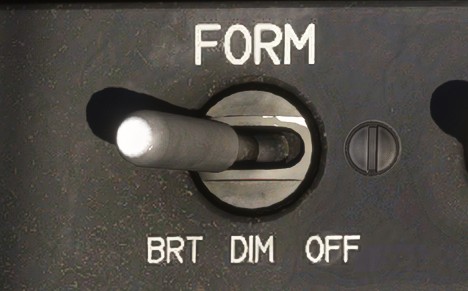
Two brightness levels are available: dimmed DIM and bright BRT. They are especially used for formation flying at night.
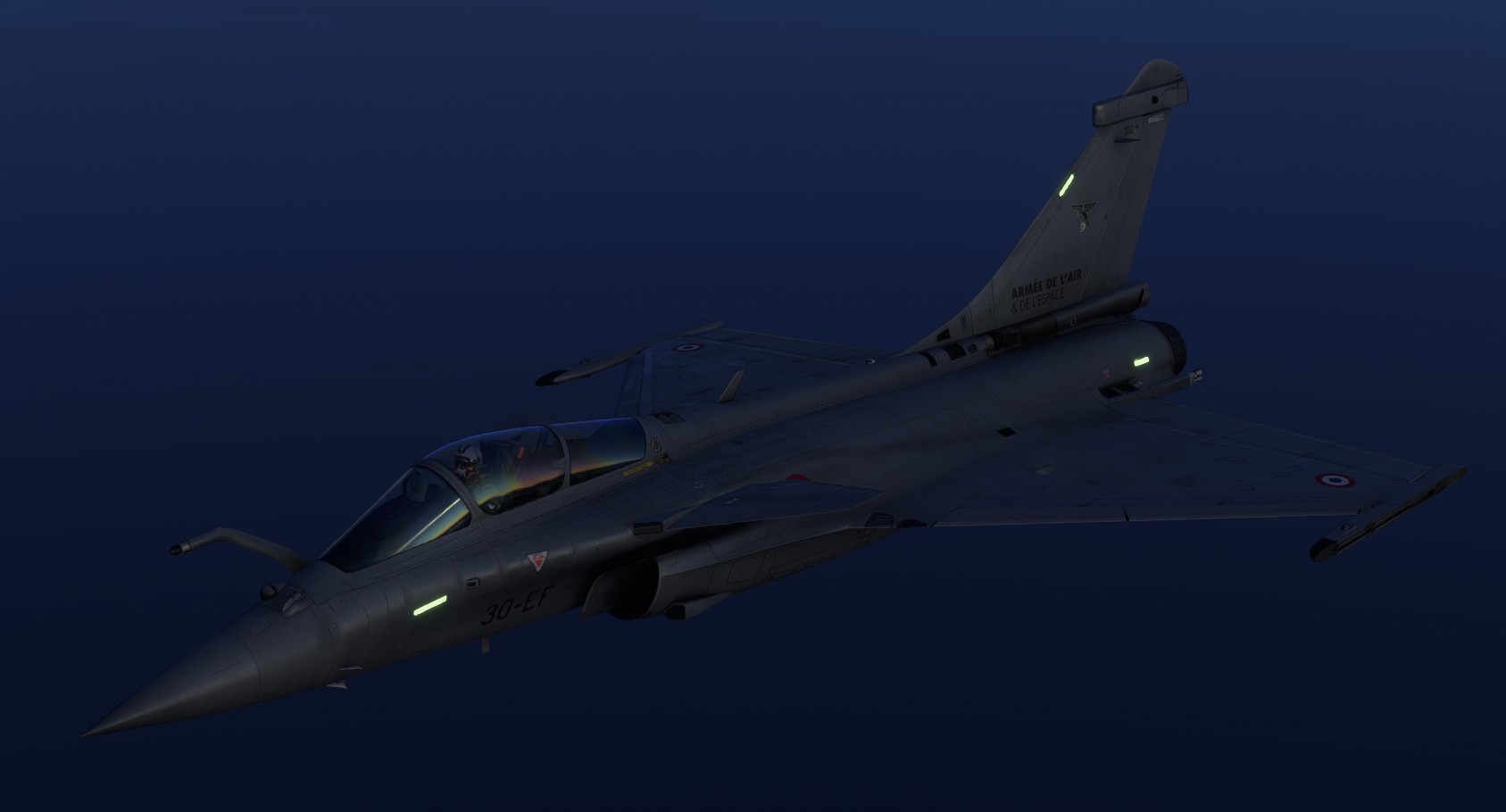
They are selected using the Formation Lights Switch on the left console.
Police light
The police light is made to illuminate an airborne target for visual identification in low luminosity conditions.
It is installed on the left side of the aircraft and projects its beam laterally.
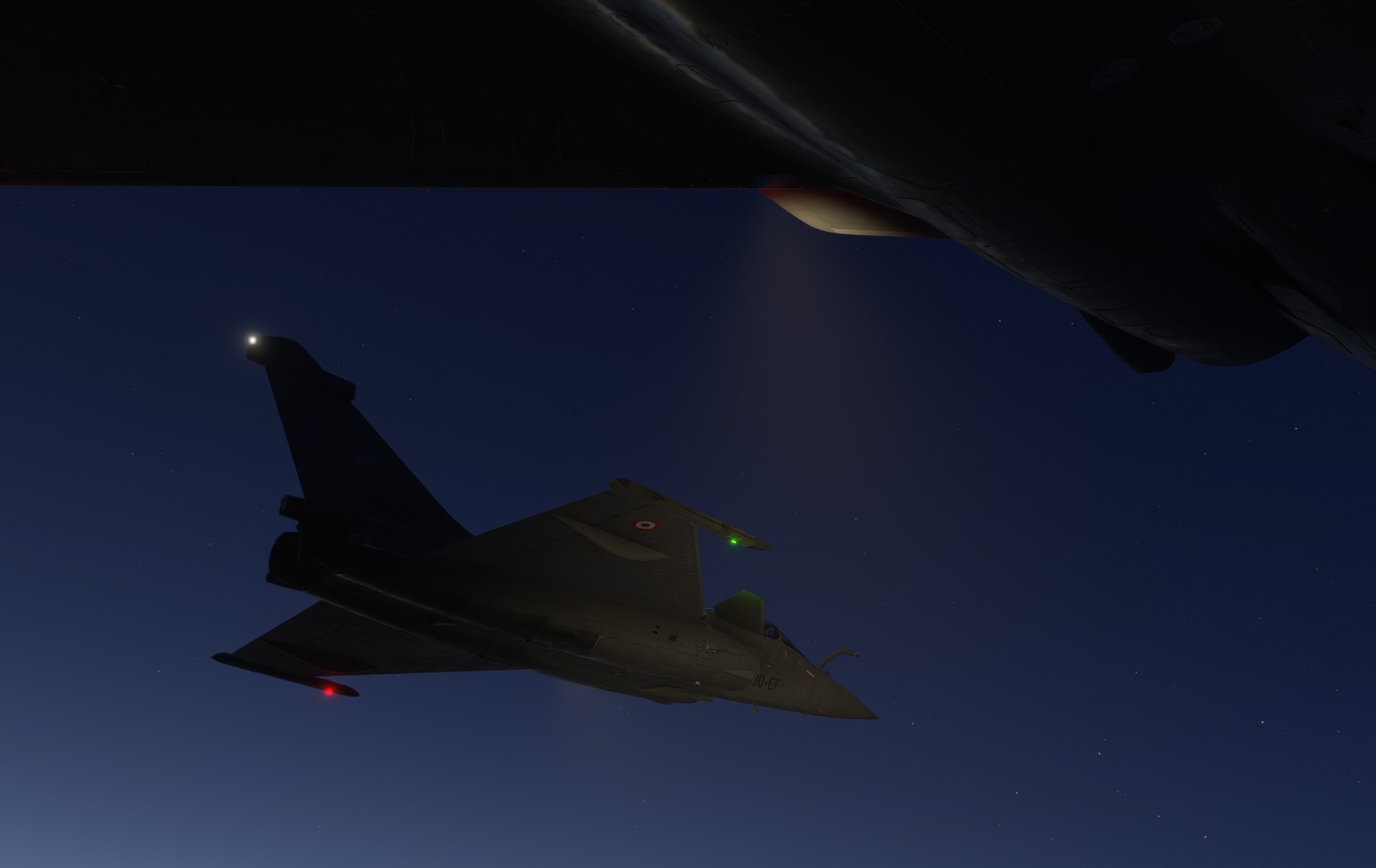
It is controlled using the MGP10 switch (RIGHT position).
Interior lights
Console lights
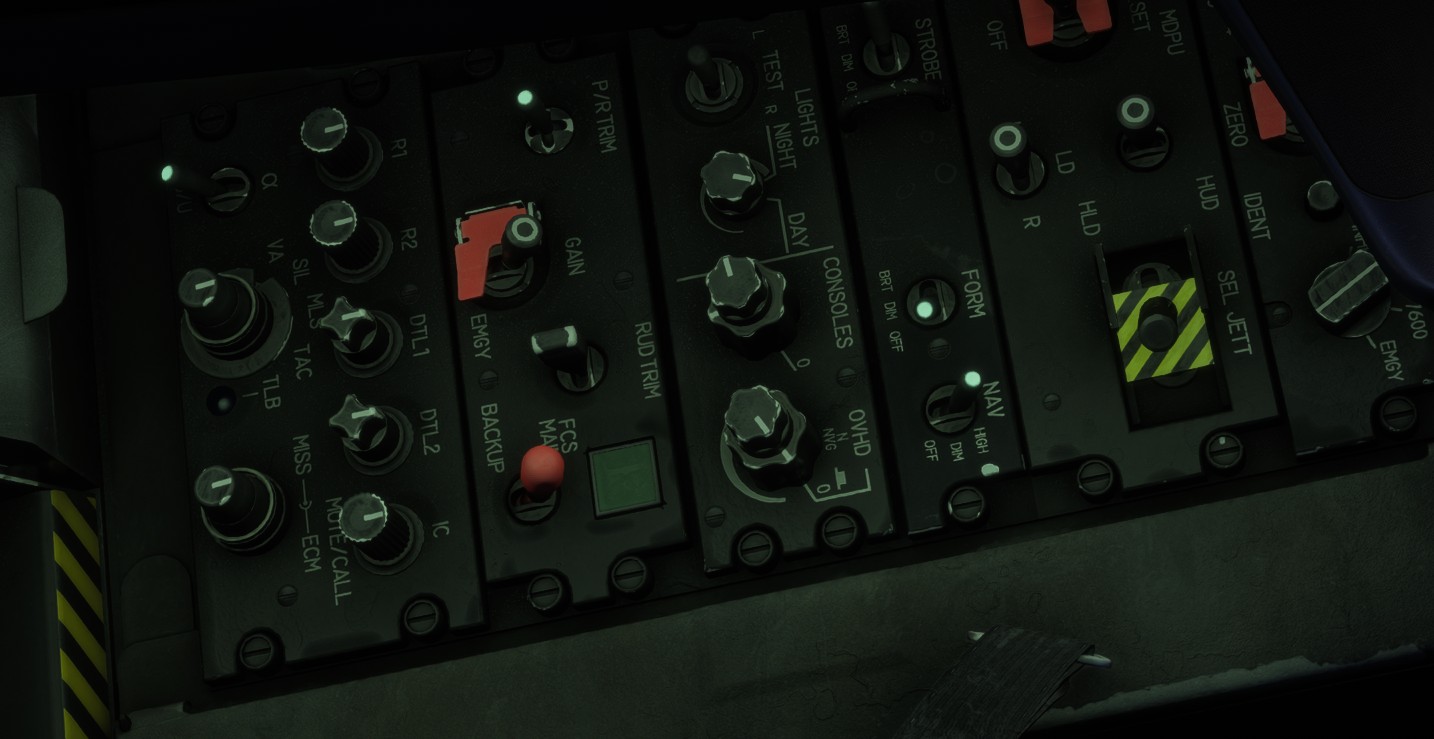
The consoles can be illuminated with green flood lights.
Their intensity is adjusted using the Console Lights Knob.
Backlighting
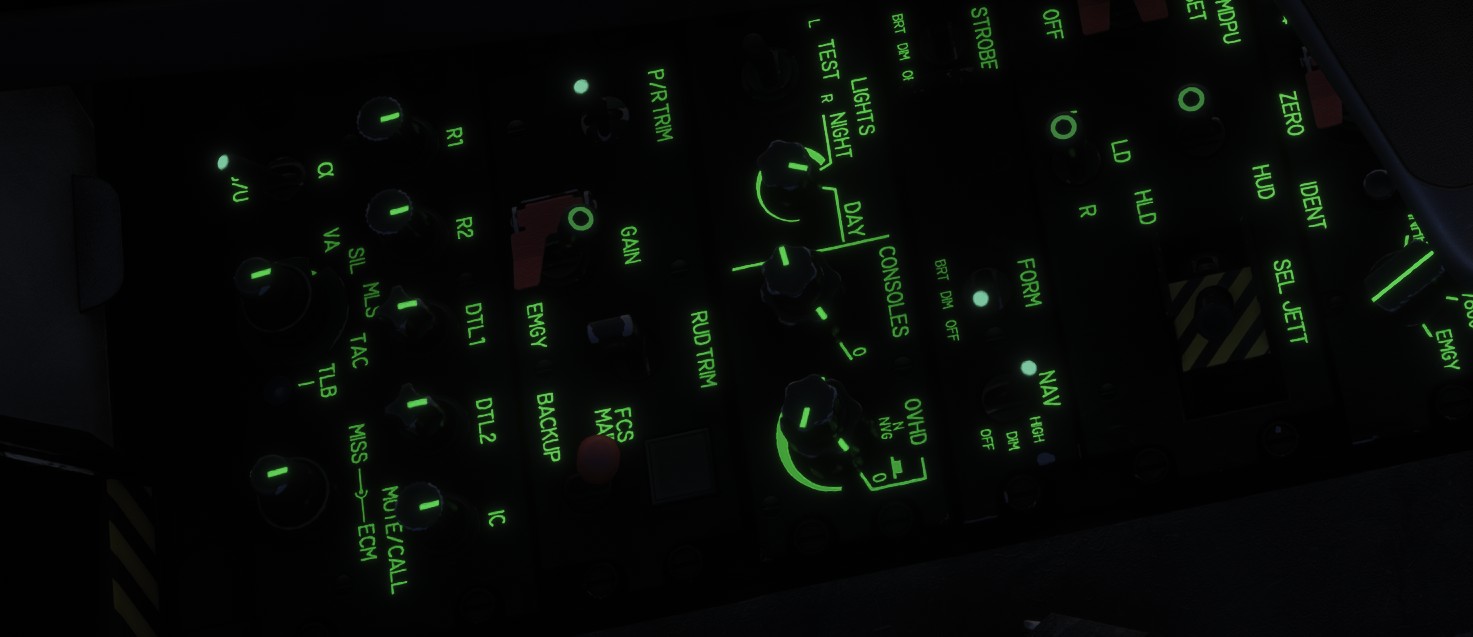
Green integral lighting illuminates the markings on most instruments and panels.
Its intensity is adjusted using the Backlight Intensity Knob.
Some switches also feature phosphorescent markings, allowing them to remain identifiable in darkness without electrical illumination.
Map lights
Two white flexible-stem map lights are fitted on either side of the cockpit. Each light can be aimed as required and returns to its stowed position when moved close to it.
Their intensity is adjusted using the Map Lights Knob.
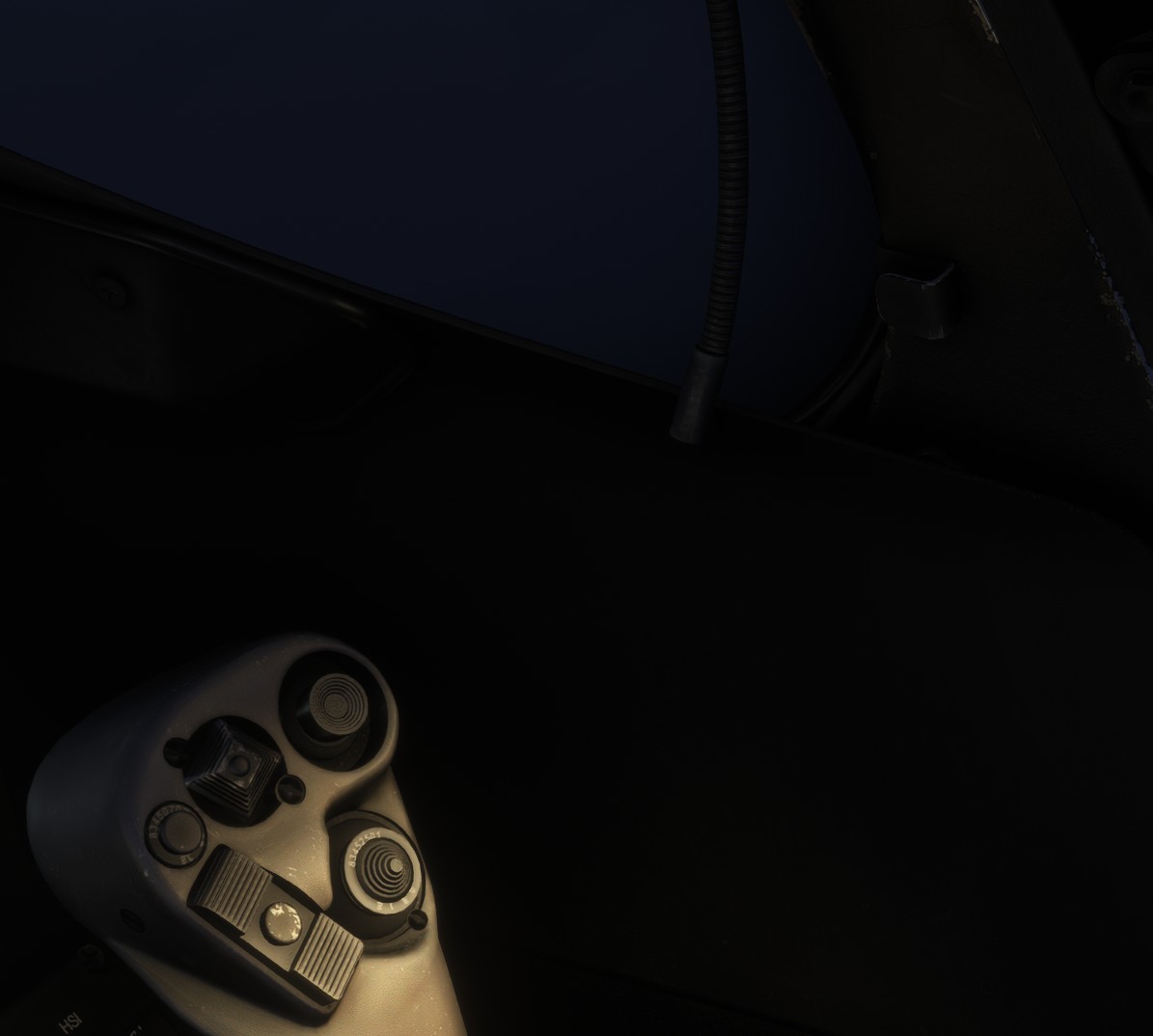
Moving an object in all directions can be hard and imprecise depending on the device, due to simulator limitations.
Avionics and indicators brightness
Each avionics display has an individual brightness knob on main panel.
Display glow is projected into the cockpit, improving the visibility of nearby elements at high brightness settings. The EFB screen provides the same effect.
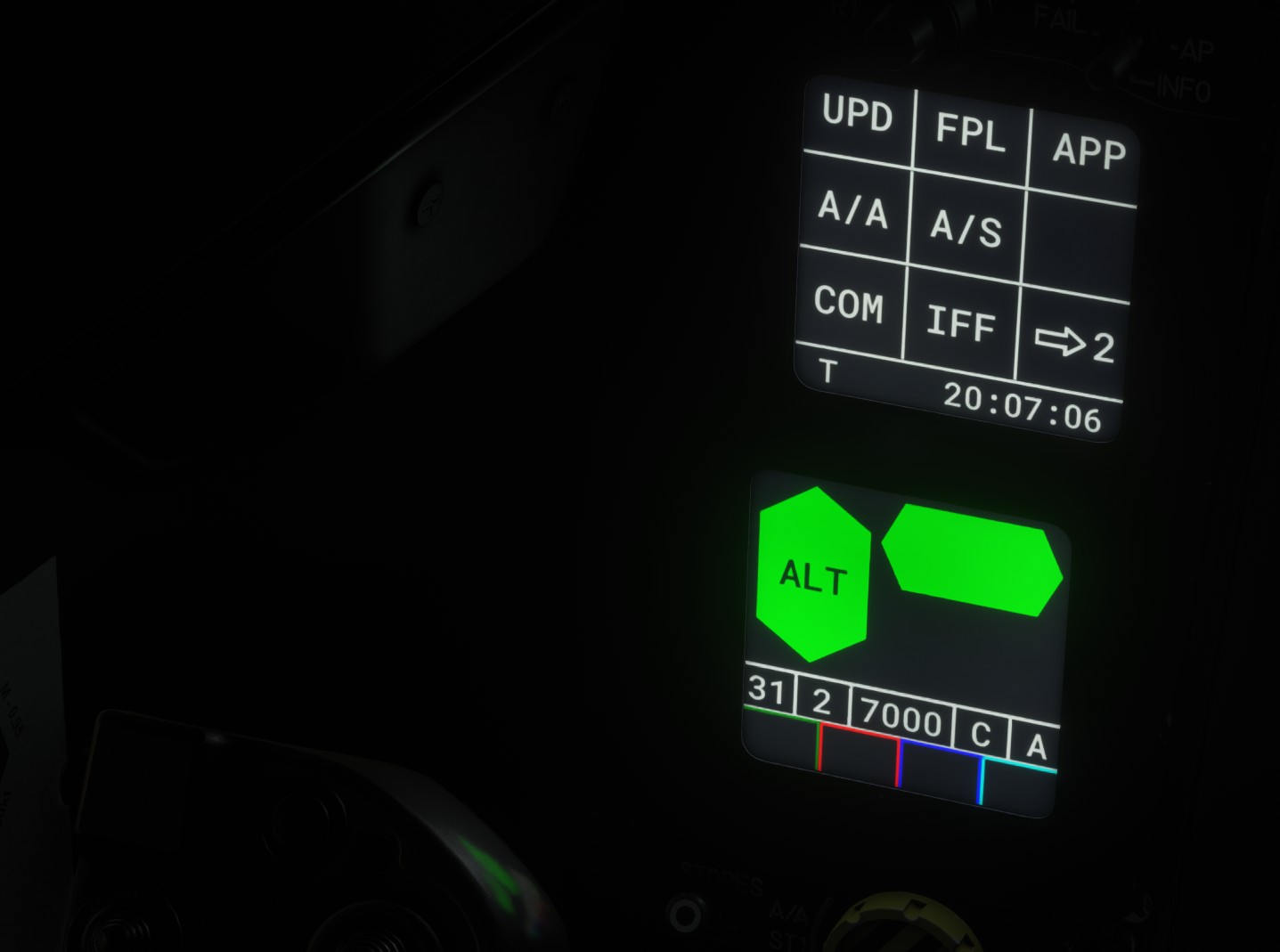
Indicators brightness can be set using Indicators Intensity Knob.
Indicators can be tested with the Indicators Test Switch.
Night vision
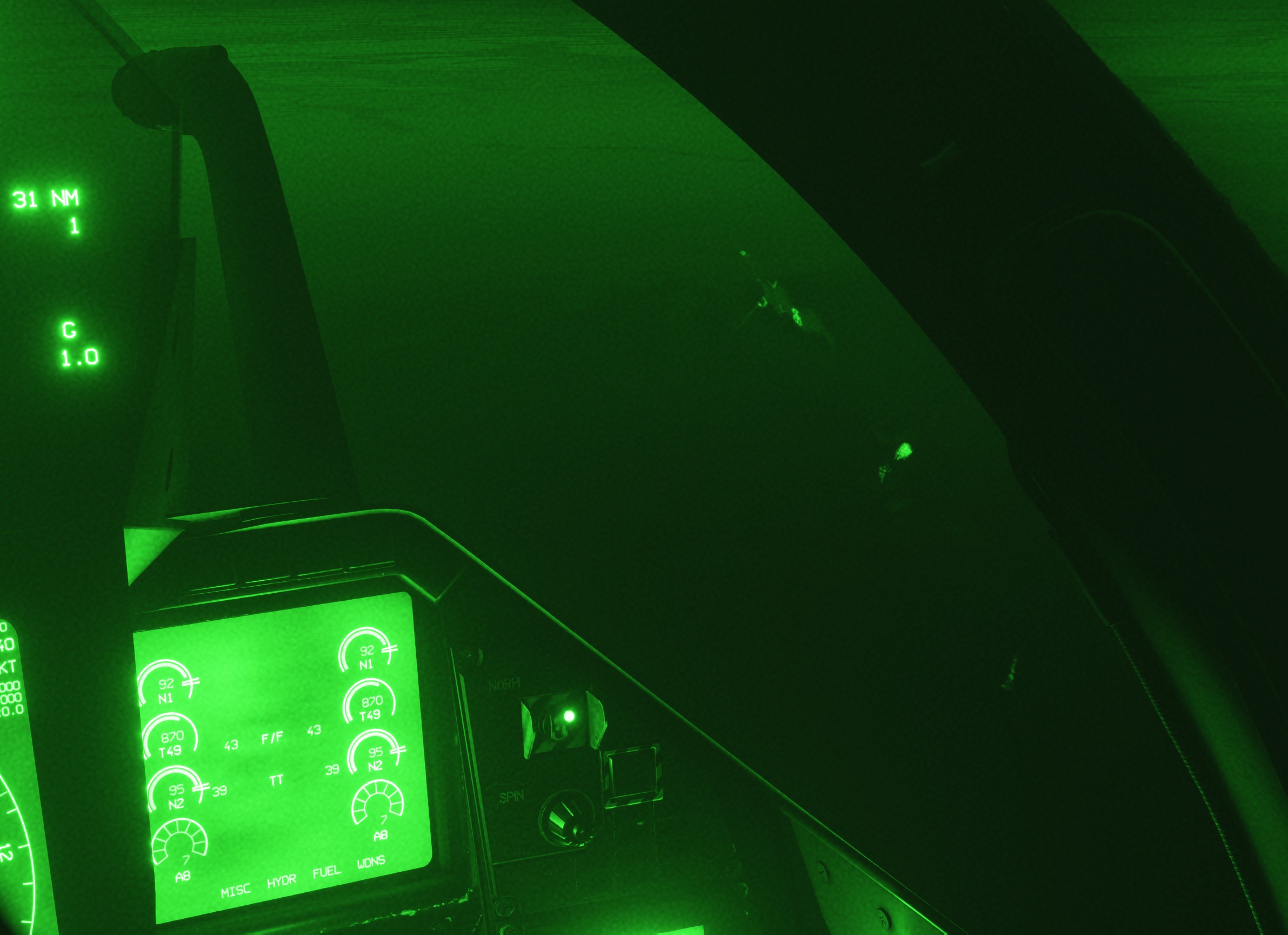
MSFS 2024 allows to partially simulate a night vision helmet.
You need to bind NIGHT VISION events in controllers settings in order to use it.