PDS2
Description
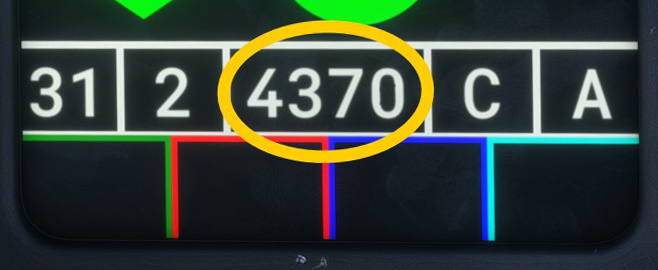
PDS2 is an auxiliary display that summarises the active autopilot modes and IFF settings.
It is located on the main panel, and its brightness is adjusted using the PDS2 Brightness Knob.
Autopilot modes
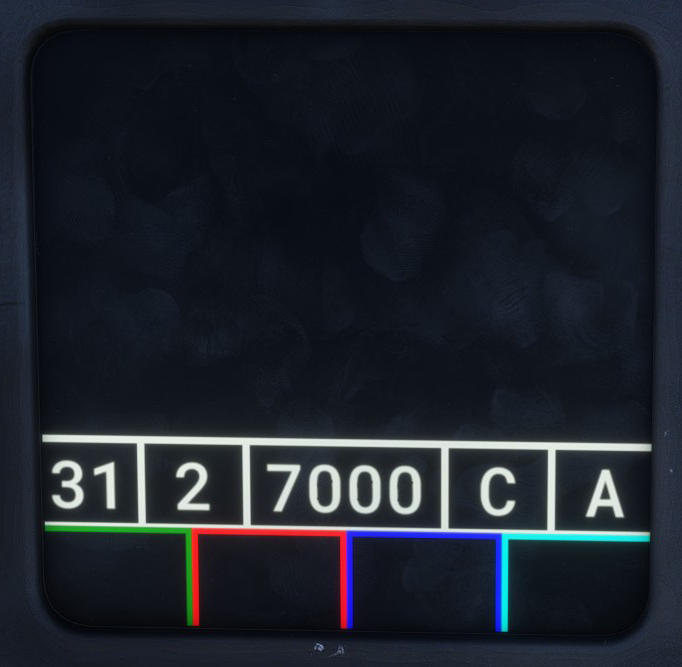
The active autopilot modes are displayed inside three shapes, allowing the pilot to check their status at a glance.
The vertical polygon, which represents vertical guidance, remains empty when the default pitch-hold mode is active.
The horizontal polygon, which represents lateral guidance, remains empty when the default bank-hold mode is active.
| Shape | Type | Label |
|---|---|---|
| Vertical polygon | Vertical guidance | ALT — Altitude holdALTSEL — Altitude selectionTF — Terrain followingILS — Approach |
| Horizontal polygon | Horizontal guidance | HDG — Heading holdHOM — HomingFPL — Flight planILS — Approach |
| Circle | Autothrottle | KT — Speed holdM — Mach holdAOA — Angle-of-attack hold |
These modes are described in detail in the autopilot section.
Both polygons are displayed while the main autopilot is engaged, while the circle is displayed when the autothrottle is engaged.
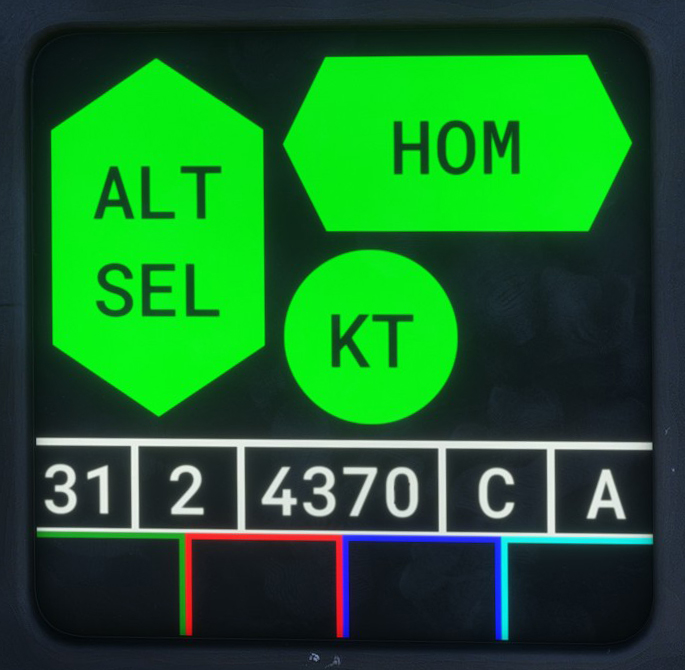
An armed mode is displayed with a black background until it becomes active.
IFF
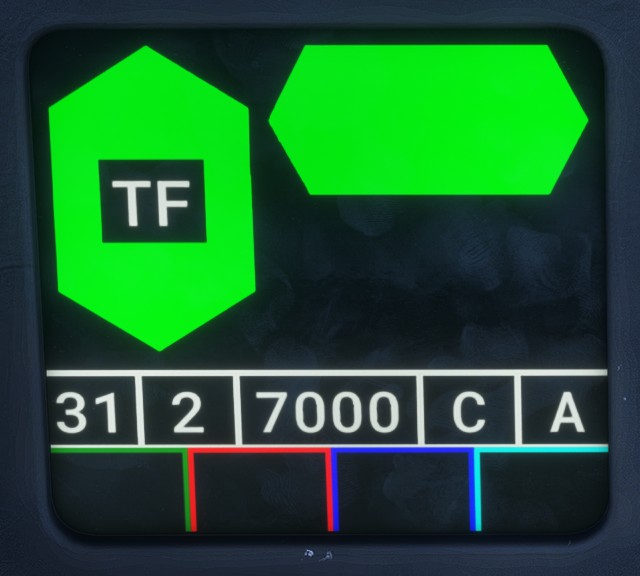
The lower section displays information related to IFF and the data link.
Most of these settings have no practical effect in Microsoft Flight Simulator. The main exception is IFF Mode 3, which corresponds to the aircraft transponder code.
The IFF information is displayed from left to right as follows:
- IFF Mode 1 code.
2when IFF Mode 2 is active.- IFF Mode 3 code.
Cwhen Mode C is active.- IFF Mode 4 key (
AorB).