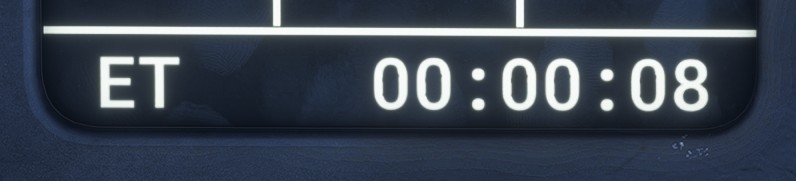
PDS1
Description
PDS1 is an auxiliary display used to select the primary mode and the page shown on the LLD.
Its lower section provides clock and timing functions.
It is located on the main panel, and its brightness is adjusted using the PDS1 Brightness Knob.
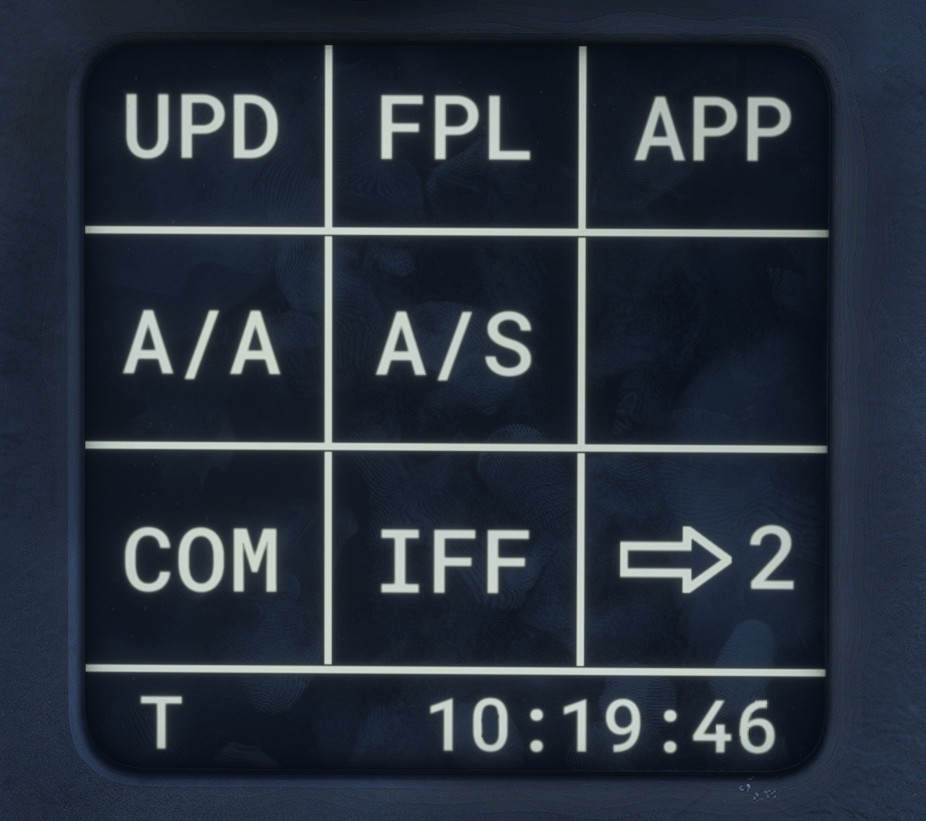
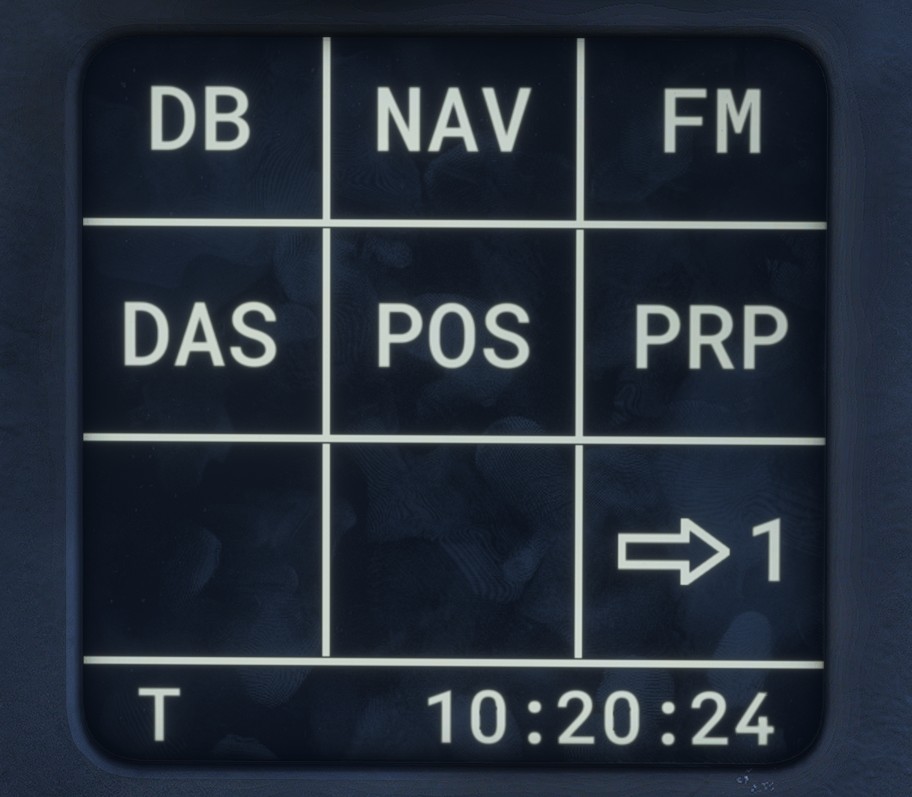
The available buttons are distributed across two pages. Use the arrow button in the lower-right corner to switch between them.
Primary mode
Four buttons on the first page are used to select the primary mode: A/A, A/S, APP or UPD.
The active mode is highlighted with a green background. Pressing the active mode button again deselects it.
Enabling APP mode automatically opens LD APP page.
Lateral display pages
The remaining buttons open the corresponding page on the LLD. The button associated with the page currently displayed on the LLD is highlighted.
First page:
Second page:
Time functions
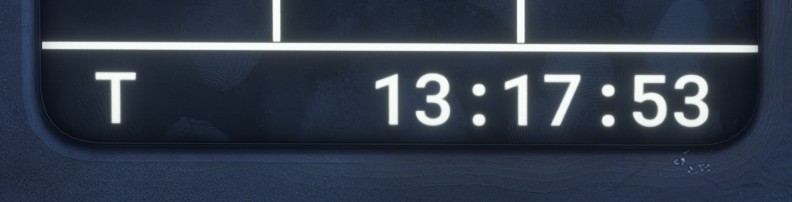
The lower section contains a time display. Click its left-hand side to cycle through the three available functions.
Current time
Displays the current time in UTC.
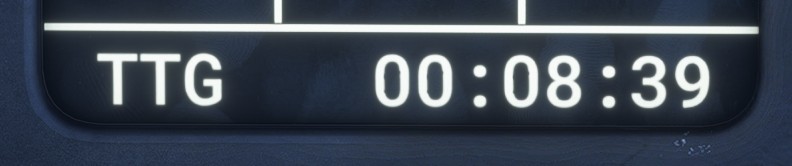
Time to goal
Time to goal (TTG) is the estimated time remaining before the aircraft reaches the primary goal.
Stopwatch
The stopwatch, also referred to as elapsed time (ET), is used to measure a duration.
Its operation is straightforward:
- Click the displayed time once to start the stopwatch.
- Click it again to pause it.
- Click it a third time to reset it.