FM
Description
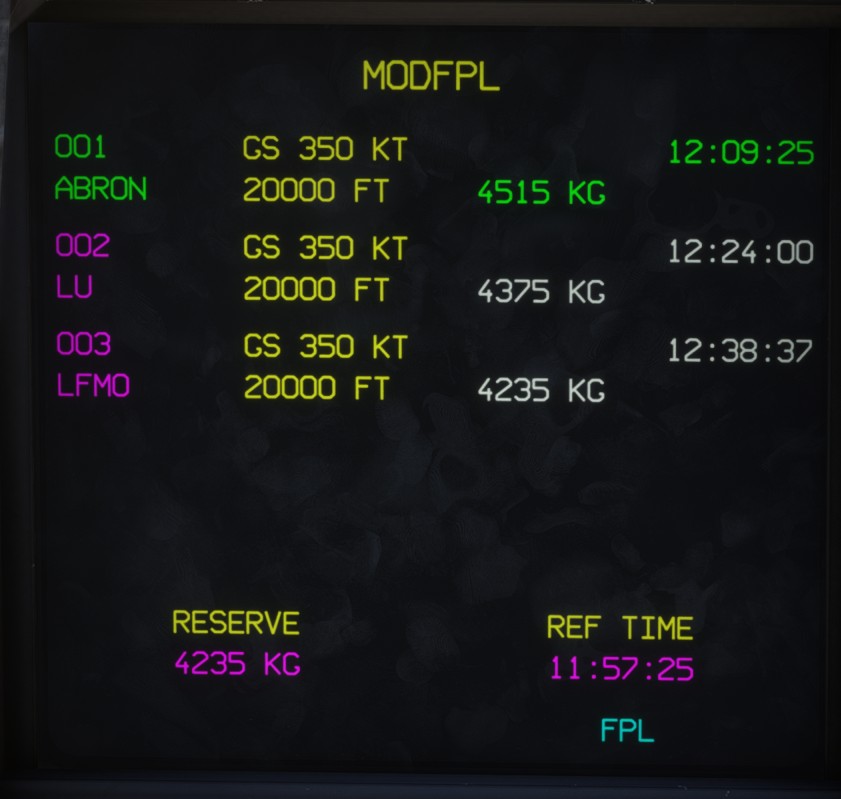
The flight plan modification page is similar to the FPL page, but it also provides flight plan editing functions.
This page can be opened from PDS1.
Most of the information displayed is identical to the FPL page. A shortcut labelled FPL is available at the bottom of the page to return to it.
RQST page
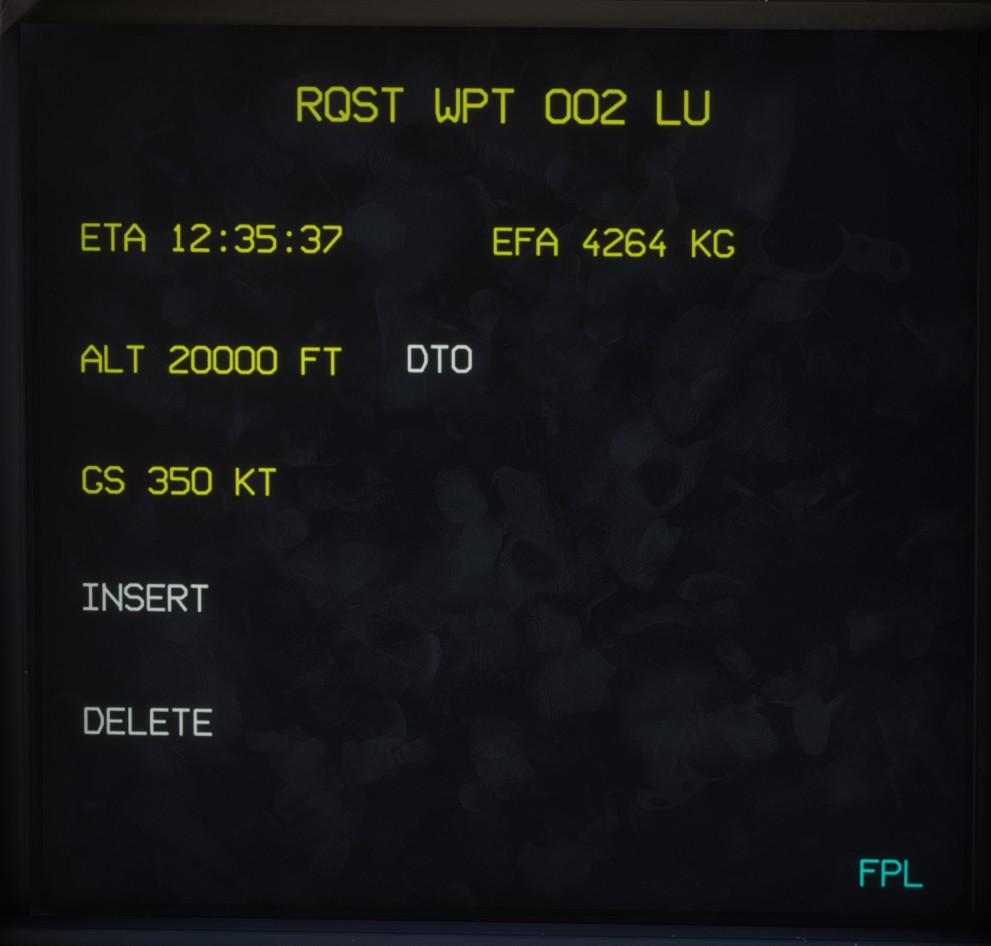
Clicking any flight plan leg opens its RQST page.
This page displays the following information for the selected waypoint:
- Estimated time of arrival.
- Estimated fuel remaining on arrival.
- Leg altitude.
- Leg ground speed.
Several buttons are available for editing the flight plan:
DTO: creates a direct-to leg to the selected waypoint.INSERT: inserts a waypoint before or after the selected waypoint.DELETE: removes the selected waypoint from the flight plan.
Flight plan operations, including inserting and deleting waypoints, are described in the navigation section.
The FPL button returns to the main FM page.