DAS
Description
The DAS page provides access to specific display options for the HCD and the lateral displays.
This page is displayed from the PDS1.
The cyan diagram represents the avionics display layout:
HUDat the top.HCDbelow it, divided into three areas.LLDandRLDon either side.
The table at the bottom contains the display options that can be assigned to specific areas of the layout.
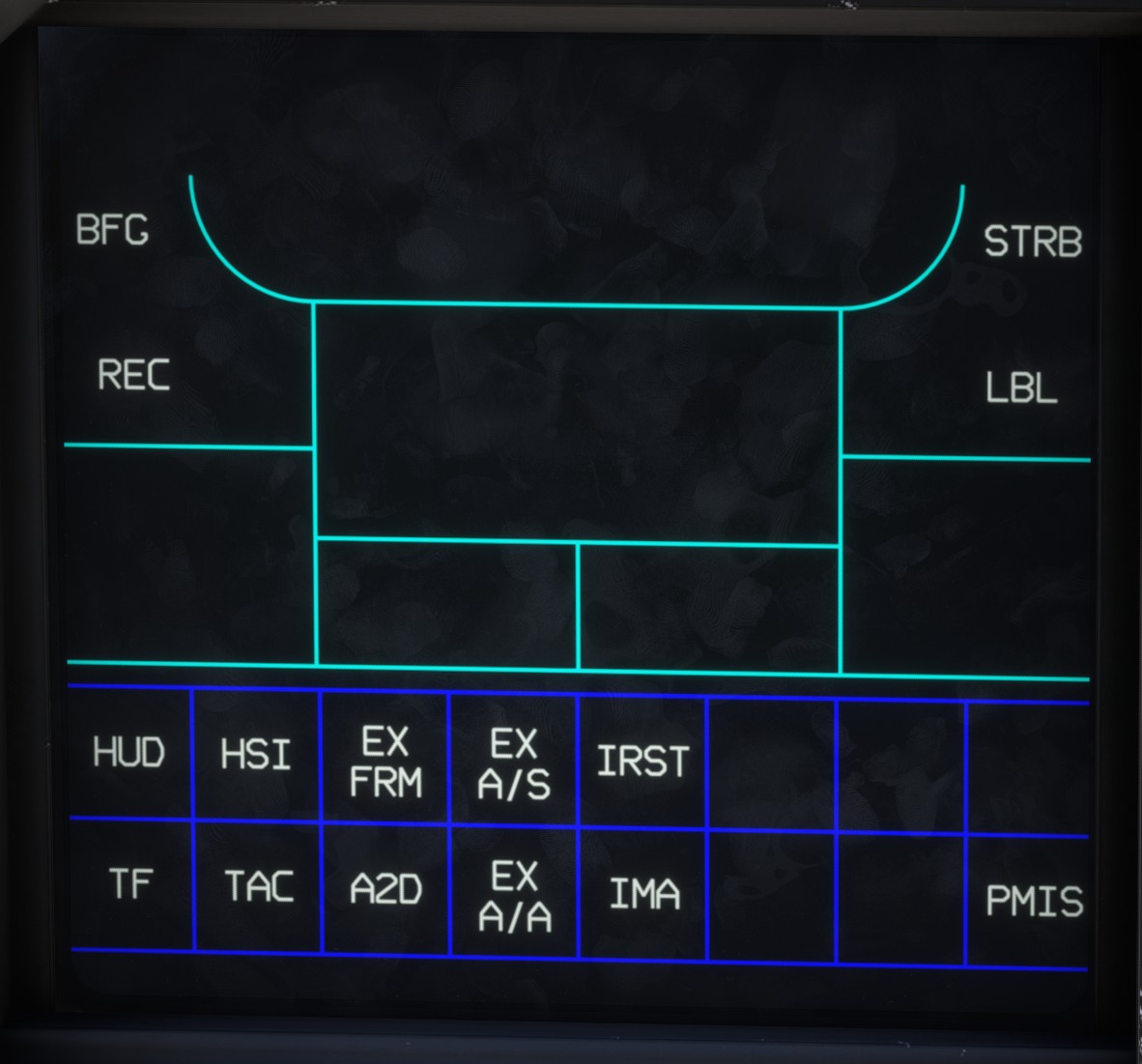
The other options (BFG, REC, STRB and LBL) are not functional in the current implementation.
Operation
To assign an option to a display area:
- Select the desired option. The areas to which it can be assigned are highlighted with a dashed magenta outline.
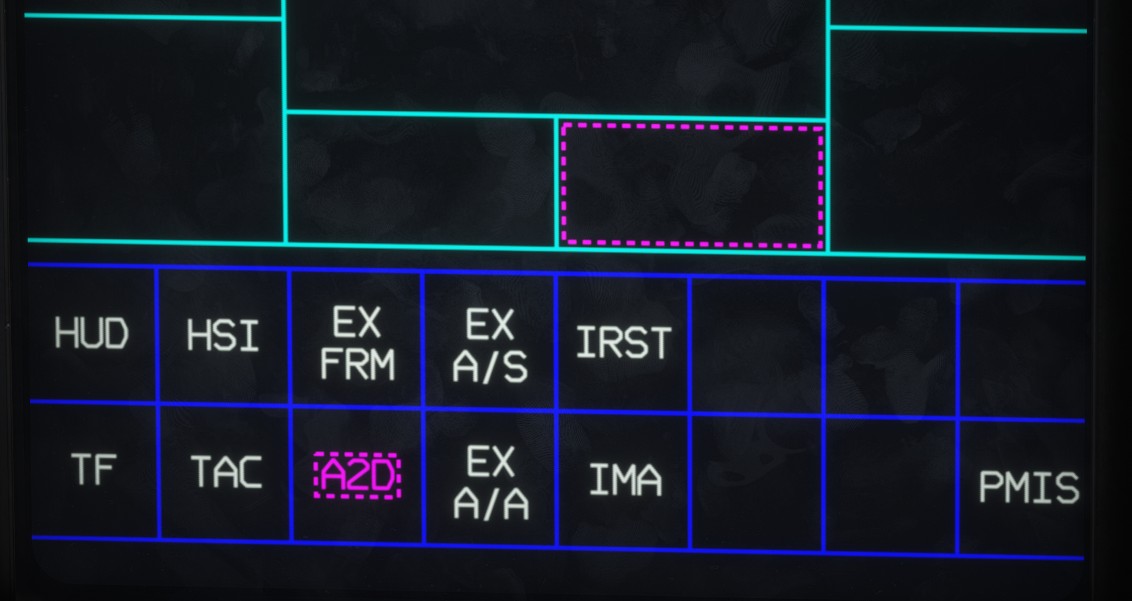
- Select the area to which you want to assign the option. Green text confirms that the option has been assigned successfully.
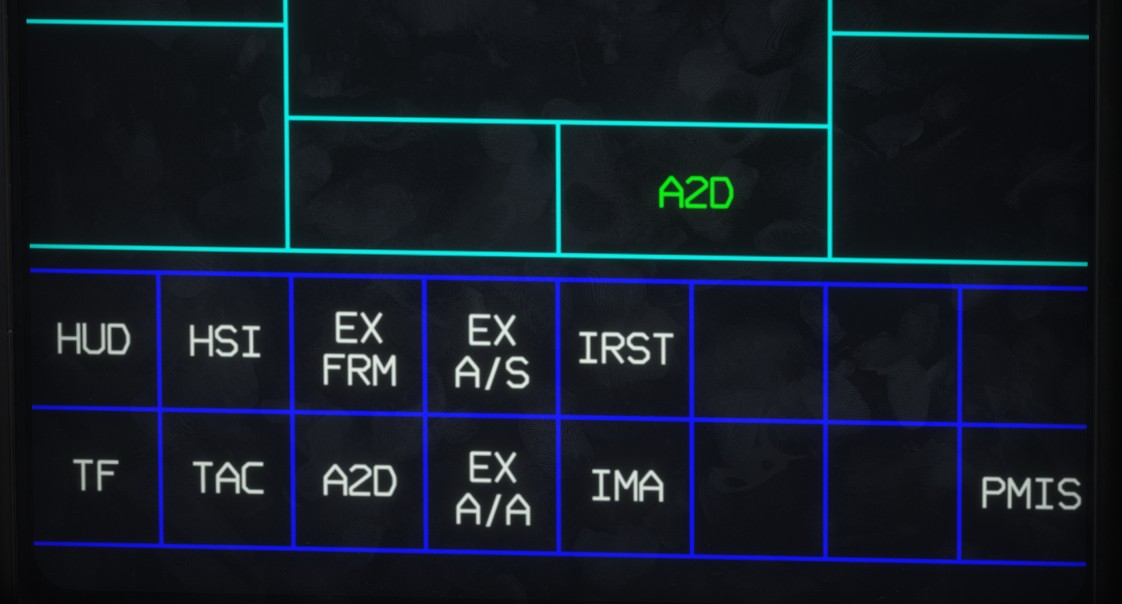
In this example, the A2D view has been assigned to the lower section of the center display.
To remove an option from an area, select the option again and then select the area to which it is currently assigned.
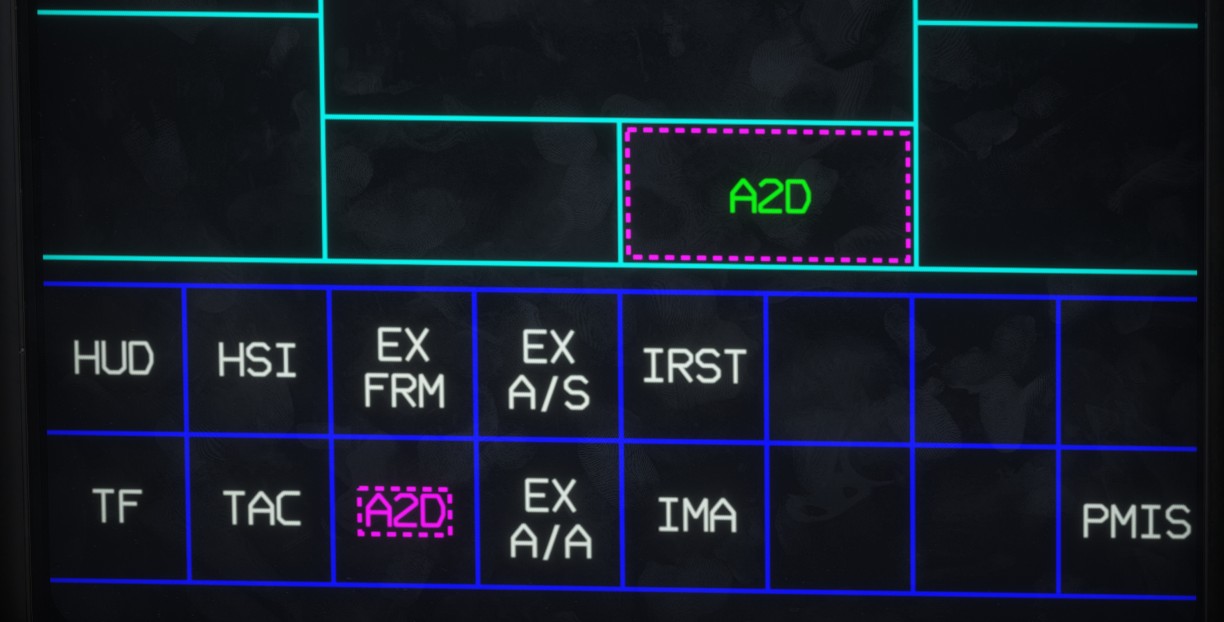
When an option is assigned to a lateral display, it is not displayed immediately, as this would cause the DAS page to disappear.
Use PM10 to display the assigned page:
- Move it to the left to display the option assigned to the
LLD. - Move it to the right to display the option assigned to the
RLD.
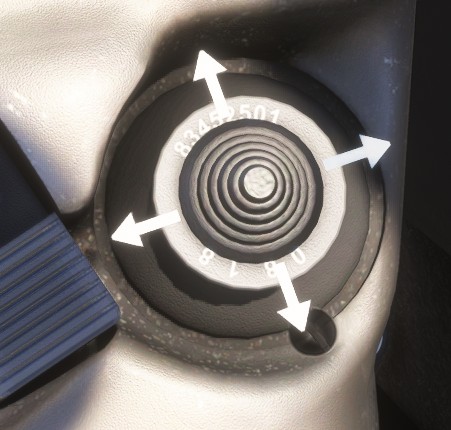
The available options are:
HSI: assigns the HSI page to a lateral display.TAC: assigns the SITAC page to a lateral display.IMA: assigns the IMA page to a lateral display.A2D: displays the A2D window on the center display.EX FRM: displays the expanded formation view on the center display, providing a magnified view centered on the aircraft.EX A/S: displays the expanded air-to-surface view on the center display. In the current implementation, it is identical toEX FRM.EX A/A: displays the expanded air-to-air view on the center display. In the current implementation, it is identical toEX FRM.
The remaining options are not currently implemented.