AP
Description
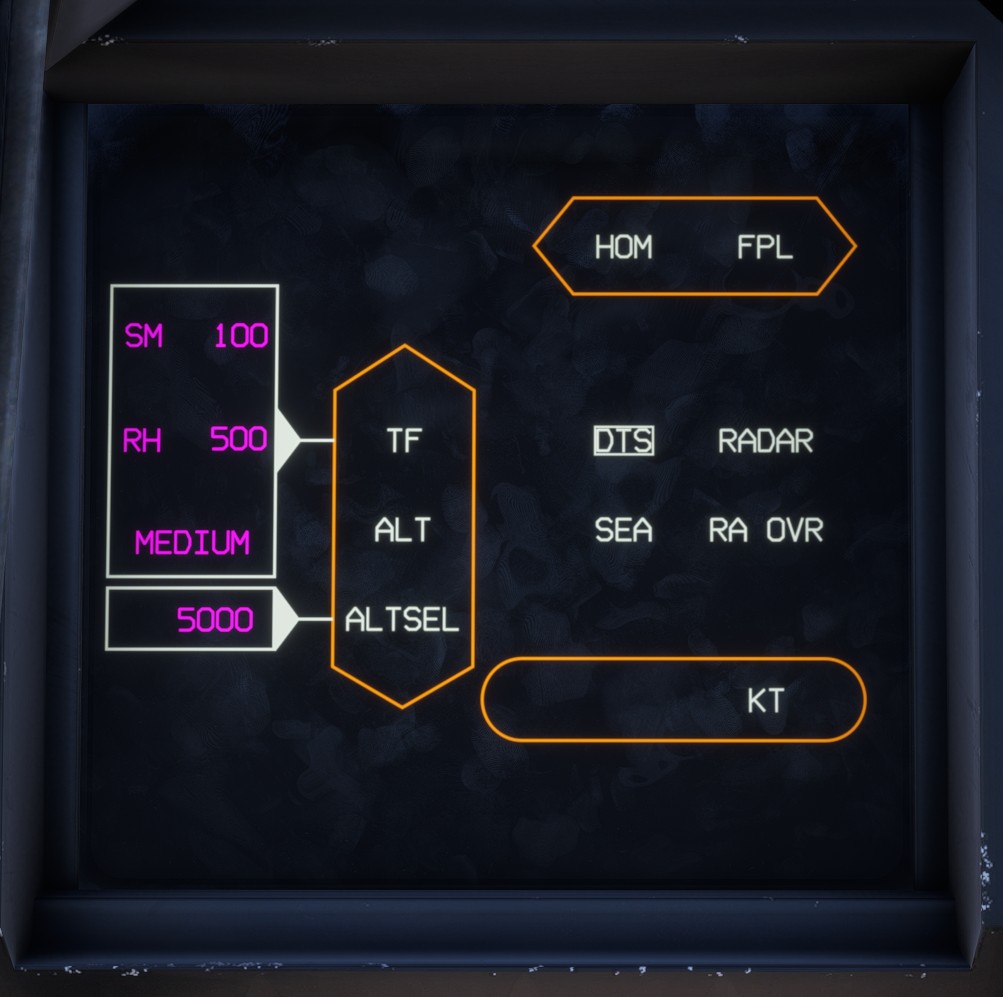
The autopilot page is used to manage the autopilot, autothrottle and terrain-following system, while displaying their current status.
Detailed information about autopilot operation is available in the autopilot section.
To display this page, move the LLD Page Selection Switch to the AP position. You can also use PM11.
Autopilot
A mode is selected by clicking its shape or label.
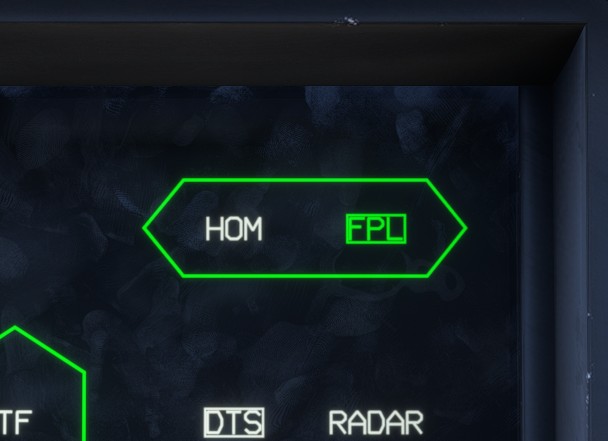
An active mode is highlighted in green, while a mode that is armed but not yet active is outlined.
Engagement
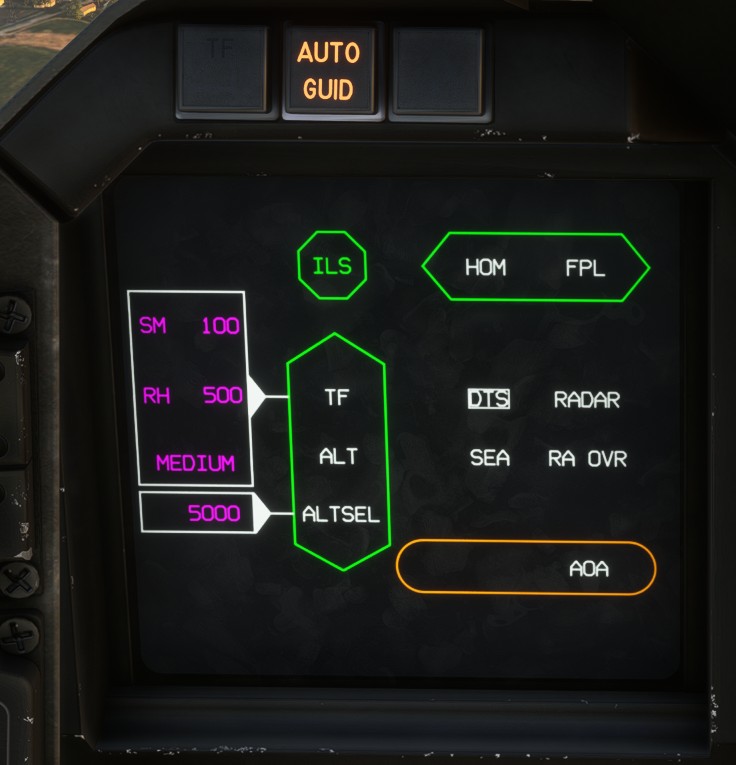
The main autopilot controls both vertical and lateral guidance. Clicking either the vertical or lateral shape engages or disengages the autopilot.
Clicking the autothrottle shape engages or disengages the autothrottle.
When APP mode is active, an ILS octagon appears. Clicking it engages the approach mode if a valid ILS signal is available.
Vertical modes
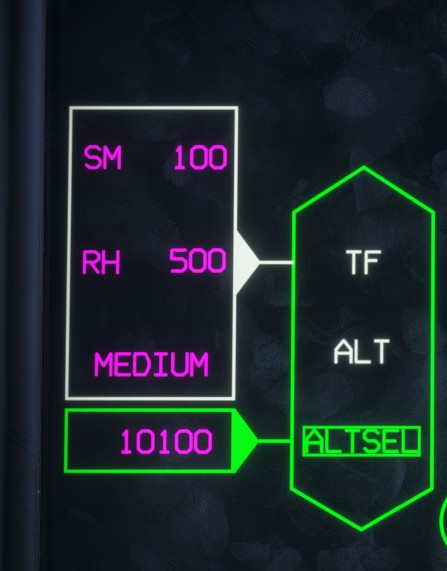
ALT, ALTSEL and TF can be toggled by clicking their respective labels.
Lateral modes
HOM and FPL can be toggled by clicking their respective labels.
Autothrottle
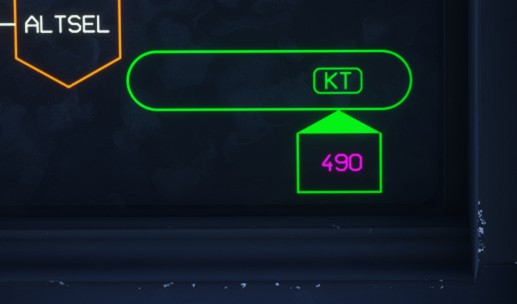
The autothrottle shape displays the active autothrottle mode: KT, M or AOA.
Clicking the mode label switches between KT and M.
When the landing gear is down, only AOA mode is available.
Terrain following
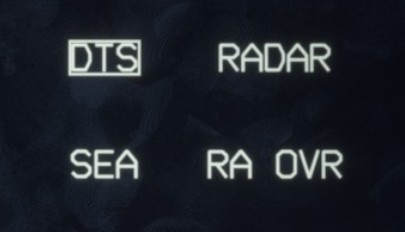
The terrain-following settings are located on the center-right side of the page:
DTS: uses the aircraft's internal topographic data as the terrain source.RADAR: uses radar-derived terrain data.SEA: enables terrain following over the sea.RA OVR: a special radio-altitude-related option that is not implemented in the simulator.