SYS
Description
The system page is used to configure the aircraft's various sensors independently for each primary mode.
The page is accessed by pressing the center of PM10.
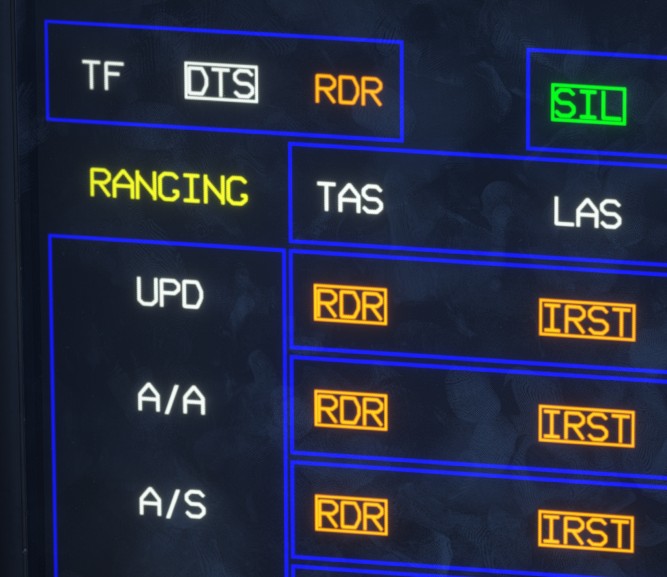
A selected item is outlined. The outline is amber when the item is unavailable and green when it is active.
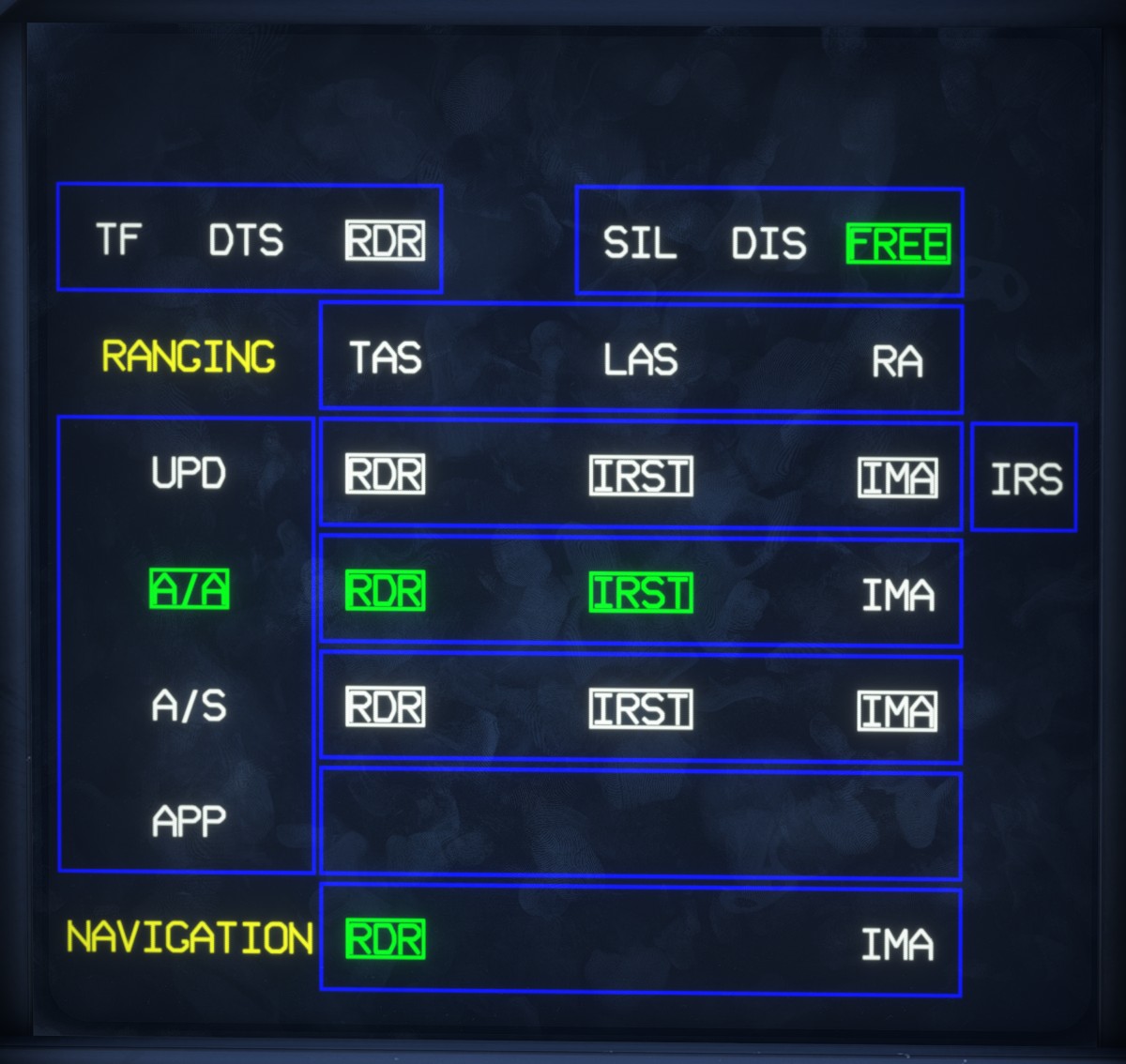
The currently selected terrain-following data source, DTS or RDR, is displayed in the upper-left corner.
The following sensors can be assigned independently to each primary mode:
RDR: radar.IRST: infrared sensors.IMA: imagery.IRS: MICA IR seekers.
Enabling or disabling these sensors determines which functions and data are available, including target detection and imagery display.
The primary mode can also be changed directly from this page.
The NAVIGATION row assigns radar and imagery functions to navigation.
The upper-right section provides quick access to the following configurations:
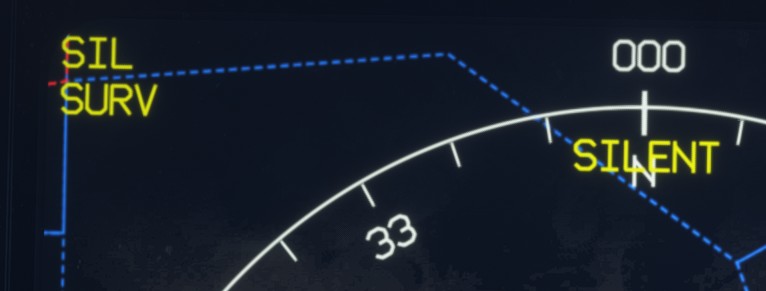
SIL: prevents all active sensors from emitting. Passive sensors remain available.FREE: allows all sensors to operate normally.DIS: configurable discreet mode. In the current implementation, it operates in the same way asFREE.
When silent mode is active, a status message is displayed on the HCD.
The ranging options (TAS, LAS and RA) have no effect in the simulator.