IMA
Description
This page displays imagery provided by the front sector optronics (FSO) or, when installed, the Damocles targeting pod.
The page must be assigned to a lateral display from the LD DAS page.
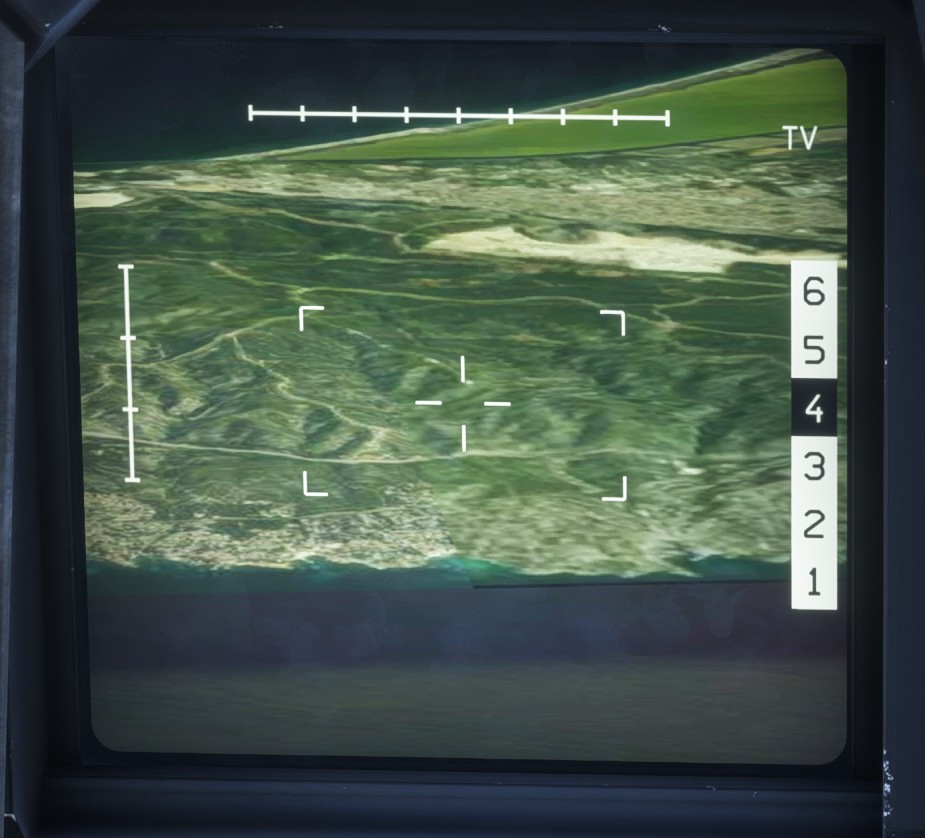
Microsoft Flight Simulator does not allow a live camera view to be rendered directly on an avionics display. The imagery shown on this page is therefore generated using external imagery services and does not reproduce every element of the simulator environment.
Other aircraft, buildings and weapon effects are not visible in the displayed imagery.
Display modes
Two display modes are available:
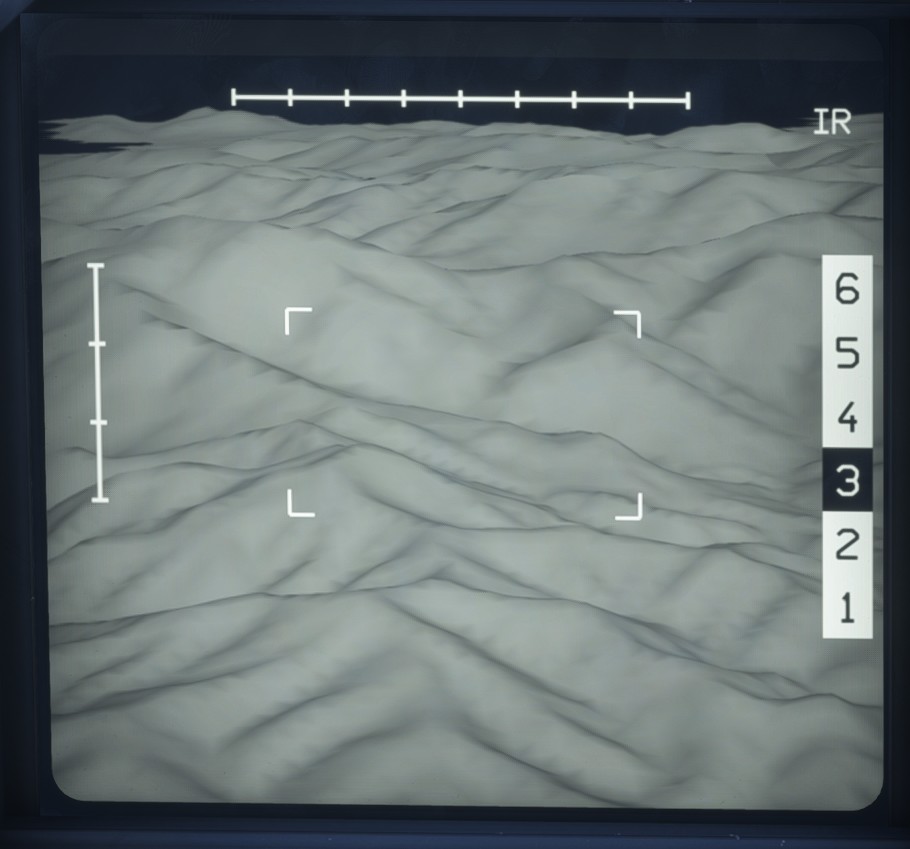
TVprovides a color image in the visible spectrum.IRprovides an infrared image and is the only mode suitable for night operations.
Six zoom levels are available to adjust the displayed field of view.
Operation
Imagery is unavailable unless either A/A or A/S primary mode is active.
The IMA must be selected and available on LD SYS, depending on the active mode.
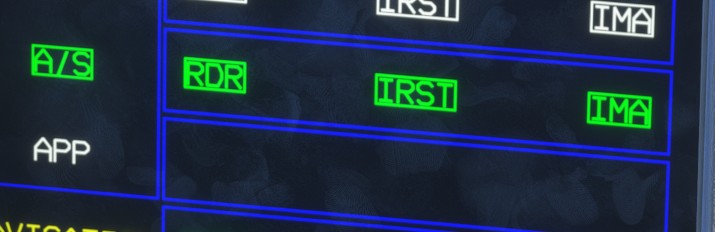
Select the zoom level directly on the screen. Click the TV or IR label to switch between the two display modes.
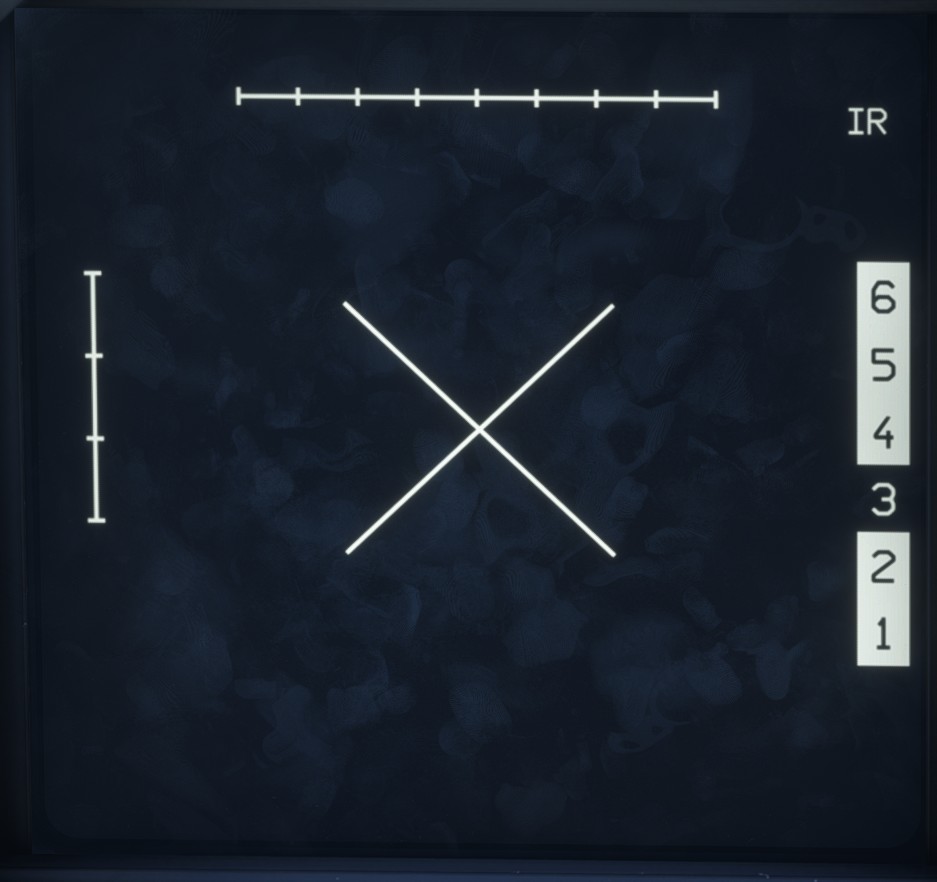
Once a target has been designated (an air target in A/A mode or a surface target in A/S mode), the available sensors attempt to track it and display the corresponding imagery on the page.
The FSO has a more restricted field of regard than the Damocles targeting pod. When the target is within the field of regard of the active sensor, a central cross is displayed.
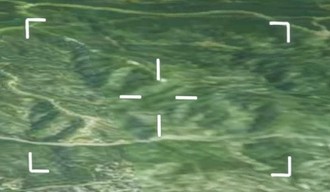
If the target moves outside the sensor's field of regard, the image may continue to move as the system attempts to reacquire and track it.