FAIL
Description
The failure page, also referred to as the alarm page, lists the alarms currently active on the aircraft.
To display this page, move the LLD Page Selection Switch to the FAIL position.
When no alarm is active, the page displays OK.

For each alarm, the page provides a description of the failure, the procedure to follow and any applicable flight limitations.
The alarm system is described in greater detail in the alarms chapter.
Alarm list
Each active alarm is displayed on a separate line, together with the affected system, its severity symbol and a short description of the failure.
Turn the visualization knob to scroll through the list and display more information about each alarm. Up to five alarms are visible at a time. A circular arrow appears when additional alarms are available.
A newly triggered alarm is displayed in white. It can be archived by clicking the procedure area. The alarm then moves to the end of the list and its text changes to cyan.
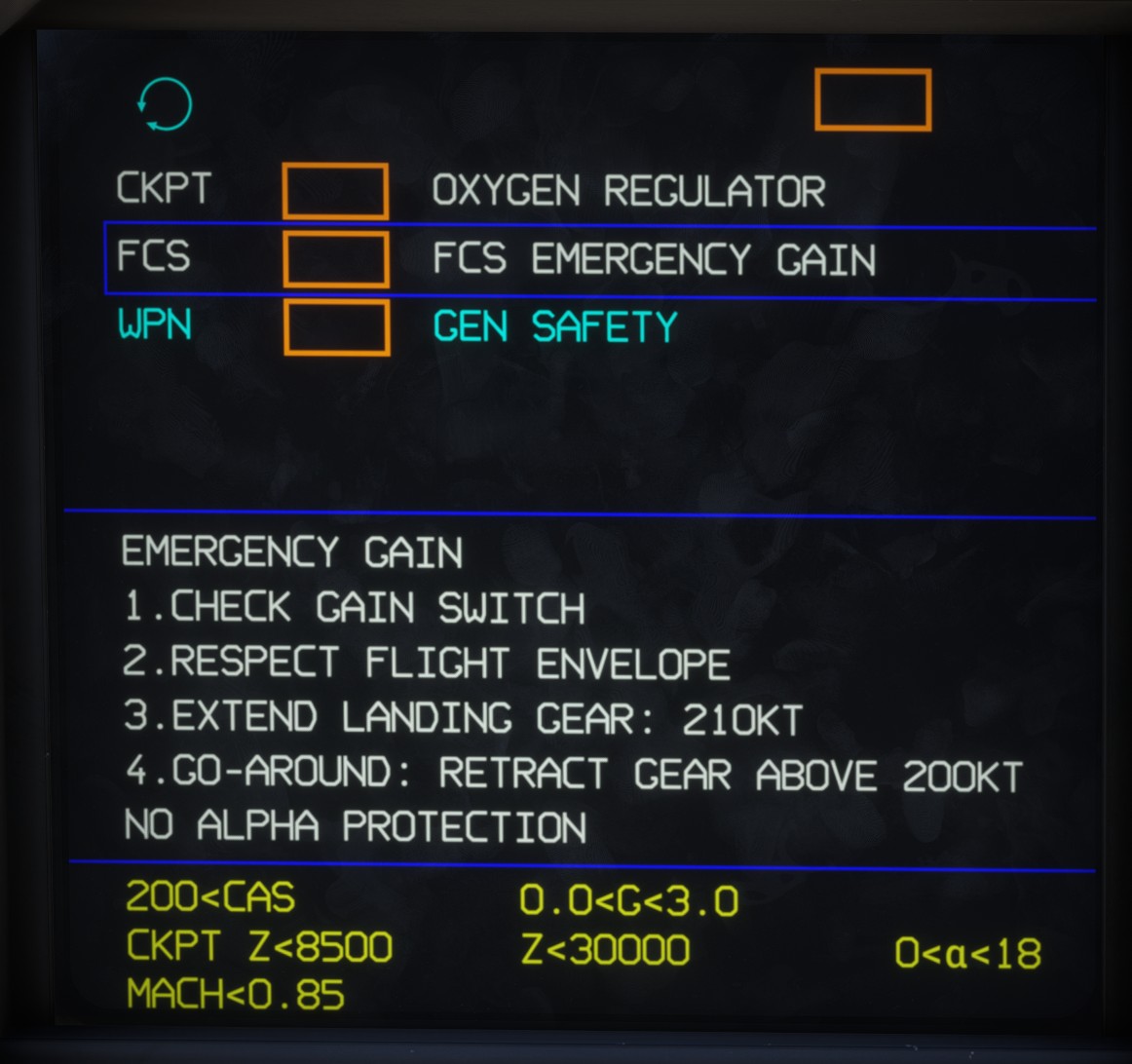
Procedures
The procedure associated with the selected alarm is displayed below the list.
It provides immediate corrective actions and guidance for continuing the flight safely.
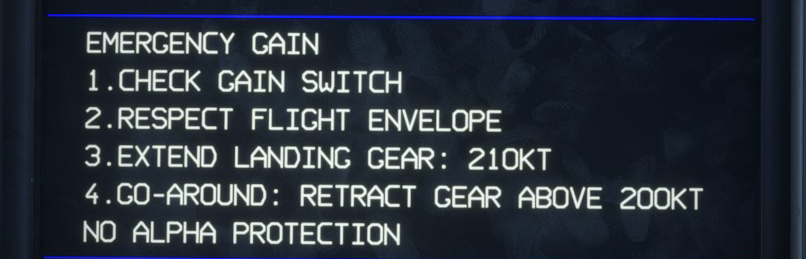
Flight limitations
The lower section displays the flight limitations imposed by the currently active alarms.
These limitations are calculated from all active alarms to prevent the aircraft from operating outside its permitted flight envelope.
The following parameters may be subject to limitations:
- Indicated airspeed.
- Mach number.
- Altitude.
- Cabin altitude.
- Load factor.
- Angle of attack.